Category:Scraping ToolsView as Markdown
16 Best Web Scraping APIs of 2026 (In-Depth Review)

Founder @ Scrape.do


Web scraping APIs promise to handle proxies, CAPTCHAs, and JavaScript rendering for you, but each one structures their parameters differently, charges by different metrics, and performs inconsistently across domains.
Testing them all yourself means burning through free trials, decoding documentation, and running the same scrape ten different ways just to figure out which one actually works.
We tested 16 of the top scraping APIs on the same domains, at the same time, with the same success criteria, so you don't have to.
| API Name | Avg. Success Rate | Avg. Response Time | Starting Price | Avg. Price per 1K Requests |
|---|---|---|---|---|
| Bright Data | 98.87% | 12.7s | Pay-as-you-go | $1.50 |
| Scrape.do | 98.61% | 5.5s | Freemium | $0.60 |
| Apify | 97.14% | 14.2s | Freemium | $5.48 |
| ScrapingBee | 96.62% | 13.7s | $49 | $1.77 |
| ZenRows | 96.29% | 6.7s | $69 | $3.32 |
| Oxylabs | 95.40% | 11.3s | $75 | $7.00 |
| Decodo | 94.20% | 10.7s | $19 | $0.71 |
| Scrapfly | 93.86% | 5.6s | $30 | $2.85 |
| WebScrapingAPI | 92.10% | 14.2s | Freemium | $5.25 |
| Zyte | 91.43% | 15.8s | Pay-as-you-go | $1.29 |
| ScrapingDog | 89.14% | 4.0s | $40 | $0.47 |
| ScrapegraphAI | 83.81% | 6.9s | $17 | $5.33 |
| ScraperAPI | 72.57% | 5.6s | $49 | $4.25 |
| ScrapingAnt | 68.14% | 33.1s | $19 | $3.56 |
| Firecrawl | 60.47% | 3.9s | $16 | $9.59 |
| SerpApi | SERP-only | 7.8s | $25 | $25.00 |
Before we break down each provider, here's how we ran these tests.
How We Test Scraping APIs
All tests were run under identical conditions to ensure fair comparison. We used code from an independent open-source benchmark repository that provides pre-configured parameters for each tool and target domain.
From the 16 domains available in the repository, we selected the 7 most challenging targets: Amazon, Indeed, GitHub, Zillow, Capterra, Google, and X (Twitter). These sites represent different anti-bot systems, from Cloudflare to custom WAFs and different types of content.
We sent hundreds of requests to each domain for every API provider, all at the same time of day across multiple test runs. This eliminated variables like server load fluctuations or temporary IP reputation issues.
Success doesn't solely rely on a 200 status code. We also validated the HTML response for specific elements that prove the page loaded correctly, which was an existing feature in the repo. Some providers returned 200 OK responses with missing content or challenge pages, which we marked as failures.
When to Use an API for Web Scraping Instead of Writing Your Own
A scraping API earns its cost at the point where maintaining your own infrastructure stops being incidental work and starts being someone's job.
Writing your own scraper with requests and BeautifulSoup is the right call for sites without bot protection. You control the parsing, there is no per-request cost, and the only dependency is your own code. Plenty of targets never need more than that.
The calculation changes when a target deploys Cloudflare, a custom WAF, or renders its content in JavaScript. Now you need residential proxies with real rotation, browser fingerprints that survive TLS inspection, CAPTCHA handling, and retry logic that distinguishes a soft block from a genuine 404. Each of those is maintainable alone. Together they become a system that breaks whenever the target updates its defenses.
Three signals that a data scraping API is now the cheaper option:
- Your success rate drops below roughly 90% and you cannot tell why. Debugging anti-bot detection without visibility into what triggered it consumes more engineering hours than the API costs.
- You are buying residential proxies separately. Once proxy spend is a line item, compare it against per-request API pricing. In our tests the cost per 1K requests ranged from $0.47 to $9.59, which is often less than a proxy pool that still needs a browser in front of it.
- The scraper breaks on someone else's schedule. If a target's redesign becomes an unplanned sprint, you are paying in interruption rather than dollars.
The inverse also holds. If you scrape a handful of cooperative sites on a predictable schedule, the best scraper API is no API. Keep the maintenance and keep the money.
1. Bright Data
- Trustpilot: 4.5/5 (983 reviews)
- G2: 4.7/5 (324 reviews)
- Capterra: 4.7/5
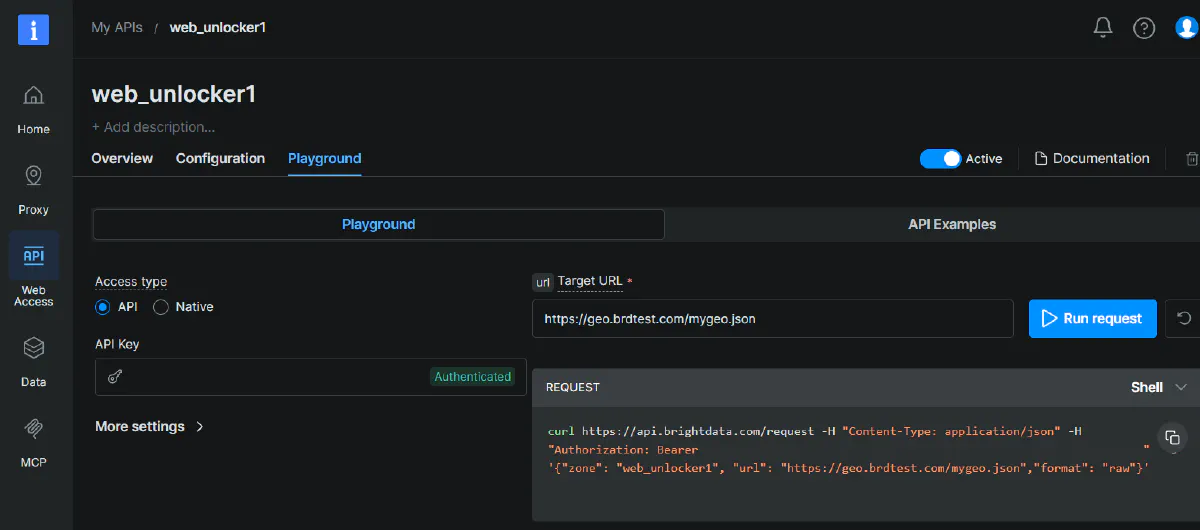
Bright Data is the enterprise standard for web scraping infrastructure, operating over 150 million IPs across 195 countries.
The company offers multiple products beyond basic scraping: Web Scraper API, 600+ ready-made no-code scrapers for popular platforms, Web Unlocker for anti-bot bypass, and SERP APIs for search engine data. Their proxy network spans residential, datacenter, ISP, and mobile IPs, giving you access to virtually any geo-location and device type you need.
The Web Scraper API handles both individual requests and bulk operations (up to 5,000 URLs at once) and returns structured data in JSON, HTML, or CSV.
It's built for teams that need reliability at scale, with automatic retry logic, session management, and built-in CAPTCHA solving. In our tests, Bright Data delivered a 98.87% average success rate, the highest among all providers we tested.
Pros
- Predictable pricing on hard targets: Heavily protected sites like Walmart, Lowe's, and Costco cost a flat $2.50 per 1K requests regardless of complexity. Most competitors either charge unpredictable variable rates or fail entirely on these targets.
- Best success rate in the industry: Hit 100% success on Indeed, GitHub, Zillow, and Google. Even on heavily protected targets, the reliability held up where other providers struggled.
- No parameter trial-and-error: The API automatically selects the right proxy type, browser fingerprint, and retry strategy based on the target domain. You send the URL and get results.
- Complete bypass capability: Handled every domain we tested without requiring custom configurations or workarounds. If a site is scrapeable, Bright Data will get through.
Cons
- Static pricing hurts on basic sites: You'll pay $1.50 per 1K requests even for simple pages that competitors scrape for $0.10-$0.20. That's a 10x markup for lightweight operations where the infrastructure overhead isn't necessary.
Pricing Breakdown
Bright Data uses pay-as-you-go pricing with no monthly commitment. The base rate is $1.50 per 1,000 successful requests for standard domains, which covers most major targets including Amazon, LinkedIn, Instagram, X, and Google. A specific list of 87 heavily protected sites (Walmart, Lowe's, Costco, and similar retailers) is billed at a flat $2.50 per 1,000 requests.
There's no free tier, but Bright Data offers free trials with limited credits to test the service. For teams with consistent volume, custom enterprise pricing is available with negotiated rates.
The flat pricing means you pay the same regardless of whether JavaScript rendering or premium proxies are needed. This simplifies budgeting since there's no multiplier math, but it also eliminates any cost optimization opportunities when scraping simpler targets.
Performance Breakdown
| Domain | Success Rate | Response Time | Price Per 1K Requests |
|---|---|---|---|
| Amazon | 96.70% | 3.4s | $1.50 |
| Indeed | 100% | 6.6s | $1.50 |
| GitHub | 100% | 1.4s | $1.50 |
| Zillow | 100% | 5.2s | $1.50 |
| Capterra | 80% | 51.9s | $1.50 |
| 100% | 3.1s | $1.50 | |
| X (Twitter) | 96.70% | 17.5s | $1.50 |
Bright Data achieved perfect 100% success rates on Indeed, GitHub, Zillow, and Google, outperforming every competitor on these targets. GitHub responses came back in just 1.4 seconds on average, the fastest result across all providers for that domain.
Capterra was the weak point, with success dropping to 80% and response times spiking to 51.9 seconds. Amazon and X (Twitter) held steady at 96.70% but X averaged 17.5 seconds per request. Across all domains, Bright Data maintained the highest average success rate at 98.87% but ranked mid-pack for speed at 12.7 seconds average response time.
2. Scrape.do
- Trustpilot: 4.8/5 (66 reviews)
- G2: 5.0/5 (5 reviews)
- Capterra: 5/5
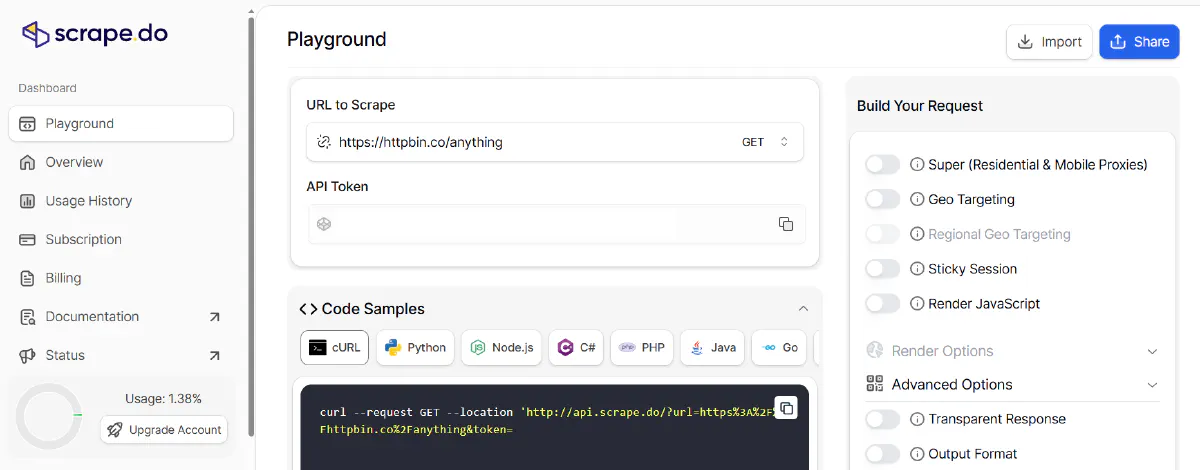
Scrape.do is a scraping API positioned as a more agile and more streamlined alternative to enterprise providers, operating 110+ million proxies across datacenter, residential, and mobile networks. The service focuses on delivering reliable scraping without the complexity or price tag of larger competitors.
The API offers a simple endpoint that accepts a target URL and returns scraped HTML, JSON, XML, or .MD with support for JavaScript rendering, geo-targeting, and automatic proxy rotation. In our tests, Scrape.do achieved a 98.61% average success rate at an average $0.60 per 1K requests, landing as the best success-to-cost ratio across the providers we tested.
Pros
- Consistently fast response times: Averaged 5.5 seconds per request across our seven targets, with Google coming back in 1.9 seconds and Zillow in 2.6 seconds. Sat in the top tier on speed across nearly every domain.
- Strongest success rate we measured: Hit 98.61% average success with perfect 100% on Amazon, Indeed, GitHub, Zillow, and Capterra, and 99.50% on Google. Six of seven domains came in at or above 99.5%.
- Best value for money: At $0.60 average cost per 1K requests, it delivers enterprise-level performance at a fraction of competitors. Easy targets like Amazon, Indeed, and GitHub run at $0.11 per 1K, with the harder JS-heavy domains bumping to $1.10.
- Free forever plan available: 1,000 requests monthly for free with no time limit or credit card required. Perfect for testing or low-volume projects.
Cons
- No official SDKs: While open-source community SDKs exist, there are no official libraries for popular languages. Teams requiring enterprise support for SDK integration may need to build wrappers themselves.
- X (Twitter) is still a weak spot: Success dropped to 90.80% on X.com with a 10.2s average, the only domain where Scrape.do fell short of a near-perfect run. Teams scraping X heavily should expect retries.
Pricing Breakdown
Scrape.do offers a freemium model with 1,000 requests per month for free, no expiration. The Hobby plan costs $29 per month and includes 250,000 successful API credits with unlimited bandwidth and a 7-day money-back guarantee.
The credit system uses multipliers for advanced features: JavaScript rendering costs 5 credits, residential/mobile proxies cost 10 credits, and combining both costs 25 credits per call. This means the $29 plan gives you 10K rendered requests with premium proxies, or 50K JavaScript-rendered requests without premium IPs.
Larger plans run from Pro ($99/mo) up to Advanced, with custom enterprise pricing available for teams that outgrow the published tiers.
Performance Breakdown
| Domain | Success Rate | Response Time | Price Per 1K Requests |
|---|---|---|---|
| Amazon | 100% | 3.4s | $0.11 |
| Indeed | 100% | 8.3s | $0.11 |
| GitHub | 100% | 3.0s | $0.11 |
| Zillow | 100% | 2.6s | $1.10 |
| Capterra | 100% | 9.1s | $1.10 |
| 99.50% | 1.9s | $1.10 | |
| X (Twitter) | 90.80% | 10.2s | $0.55 |
Scrape.do was consistently fast, posting sub-2-second Google responses and clearing Zillow, Amazon, and GitHub in under 3.5 seconds each. It wasn't always the absolute fastest on every target (a few cheaper-and-narrower APIs edged it on simpler pages), but it stayed in the top tier without trading away success rate to do it.
Success rates were the real story: six of seven domains came in at 99.5% or higher, with five domains hitting a perfect 100% across 1,000 trials each. The only stumble was X (Twitter) at 90.80%, which still beat most providers we tested. Pricing tiered cleanly: easy targets (Amazon, Indeed, GitHub) ran at $0.11 per 1K, JS-heavy or hard-protected ones (Zillow, Capterra, Google) at $1.10, and X (Twitter) landed in the middle at $0.55.
Start free with Scrape.do and see the difference for yourself ➡
4. Apify
- Trustpilot: 4.8/5 (510 reviews)
- G2: 4.7/5 (472 reviews)
- Capterra: 4.8/5
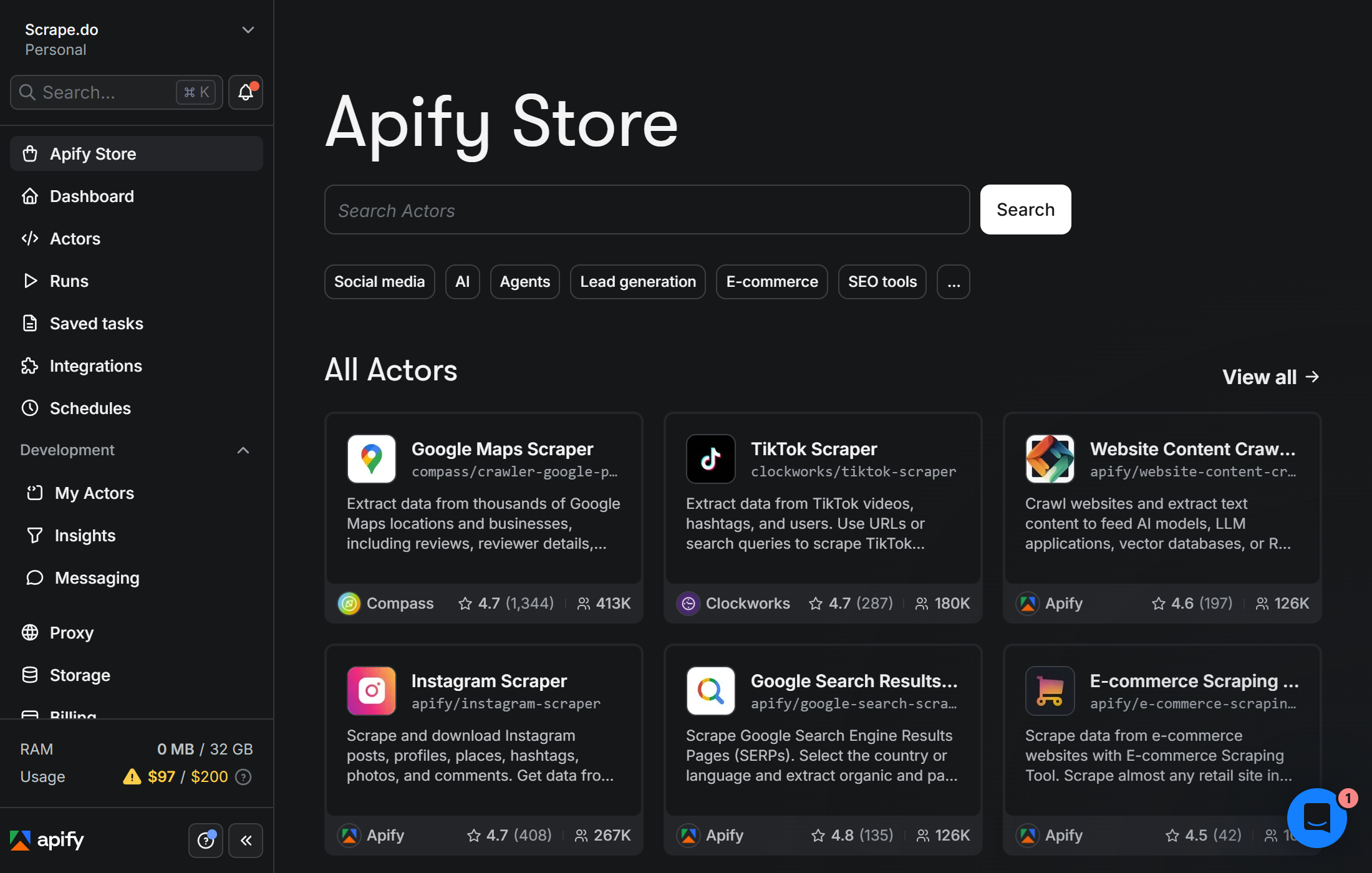
Apify is a full-stack web scraping and automation platform built around Actors - serverless cloud programs that scrape, automate, or act as AI agents - and a public marketplace of 31,000+ pre-built ones. It's a different shape of product than the rest of this list: most providers here sell you a single anti-bot endpoint, while Apify sells you the whole infrastructure (proxies, browsers, queues, storage, scheduler, API, MCP server) plus a marketplace of ready-made scrapers for sites like Google Maps, Amazon, Instagram, TikTok, and LinkedIn.
For developers who want a generic API endpoint they can point at any URL, Apify offers the Website Content Crawler and similar general-purpose Actors. For teams who'd rather skip building from scratch, the marketplace usually has someone else's tested scraper for the target site. Both routes run on the same managed cloud, with built-in datacenter and residential proxies, anti-blocking, dataset/key-value storage, and webhooks. Apify also exposes any Actor as an MCP tool via mcp.apify.com, which makes it a popular pick for feeding live web data into LLMs and agents.
In our tests, Apify achieved a 97.14% average success rate with 14.2 seconds average response time, ranking among the more reliable providers in this benchmark. Because we ran site-specific Actors rather than a single generic endpoint, both performance and pricing varied by which Actor handled each target.
Pros
- Marketplace of 31,000+ pre-built Actors: Instead of writing and maintaining your own scrapers for Google Maps, Amazon, Instagram, TikTok, or LinkedIn, you run a community- or Apify-maintained Actor that already handles the anti-bot work. Most of the "this site keeps breaking my scraper" problems disappear.
- Open-source SDK and CLI: Crawlee (formerly Apify SDK) is one of the most-used Python and Node.js scraping frameworks alongside Scrapy. You can develop locally and deploy to the cloud with one command, or take your code anywhere else if you ever want to leave.
- Built for AI workflows: Native MCP server, the Website Content Crawler optimized for LLM ingestion, and direct integrations with LangChain, LlamaIndex, n8n, Make, and Zapier. If your scraping is feeding RAG, agents, or vector DBs, the wiring is already there.
- Generous free tier: $5 every month in platform credit, no card required, free plan never expires. Enough to actually test scrapers in production-like conditions, not just send 10 requests against a homepage.
- Storage included: Datasets, key-value stores, and request queues are part of the platform. You don't need a separate database to hold scraped results before processing them.
Cons
- Steeper learning curve than a single endpoint: Apify is a platform, not a one-line API. The concepts (Actors, compute units, datasets, request queues) take an afternoon to get comfortable with. Fine for engineers, more friction than Scrape.do or ScrapingBee for someone who just wants to send a GET request.
- Compute-unit pricing can be hard to predict: Costs depend on memory, runtime, proxy traffic, and the Actor's own pricing model (free, pay-per-result, pay-per-event, pay-per-usage). Easy to estimate after one test run, harder to know upfront.
- Marketplace quality varies: The 31,000+ figure includes community Actors. Apify-maintained Actors carry a badge and ship reliable updates; community Actors range from excellent to abandoned. You need to read the success rate, last-updated date, and reviews before relying on one in production.
- Slower than dedicated scraping APIs: At 14.2s average response time, Apify is 3x slower than Scrape.do. Actors are full programs running on managed compute, so there's startup overhead per run that single-endpoint APIs don't have.
Pricing Breakdown
Apify uses a subscription + pay-as-you-go model rather than per-request credits. The Free plan never expires and includes $5/month in platform credit plus access to every feature (proxies, rendering, MCP, scheduling). Paid plans - Starter ($29/month), Scale ($199/month), and Business ($999/month) - add larger included credit pools, lower per-unit rates, more proxy traffic, team seats, and priority support.
Platform usage is billed per compute unit (memory × runtime), with separate line items for residential proxy traffic, SERP requests, and storage. On top of that, individual marketplace Actors can have their own pricing: pay-per-result (a flat price per row of data, platform usage included), pay-per-event (charged per defined action like "1 product scraped"), or pay-per-usage (just the underlying platform cost, no developer markup). The pay-per-result model in particular makes budgeting easy: $X per 1,000 results, regardless of how many proxy retries the Actor needed under the hood.
There's no single "$ per 1k requests" number that applies across the platform. It depends entirely on which Actor you run and at what memory setting. As a rough anchor: pay-per-result Actors for popular targets typically land between $0.30 and $5 per 1k results, often cheaper than the per-request pricing on protected domains in this comparison.
Performance Breakdown
| Domain | Success Rate | Response Time | Price Per 1K Requests | Actor |
|---|---|---|---|---|
| Amazon | 80% | 14.5s | $5.00 | junglee/Amazon-crawler |
| Indeed | 100% | 20.8s | $13.25 | misceres/indeed-scraper |
| GitHub | 100% | 6.2s | $4.55 | crawlerbros/github-repo-intelligence |
| Zillow | 100% | 11.9s | $3.00 | maxcopell/zillow-detail-scraper |
| Capterra | 100% | 17.2s | $6.05 | crawlerbros/capterra-scraper |
| 100% | 12.7s | $1.50 | apify/google-search-scraper | |
| X (Twitter) | 100% | 16.3s | $5.00 | kaitoeasyapi/twitter-x-pay-per-result |
Apify delivered perfect 100% success on six of seven domains, including Capterra and X (Twitter) where most providers in this benchmark stumbled. Amazon was the only weak spot at 80%, which traces back to the specific Actor (junglee/Amazon-crawler) rather than the platform itself. Swapping in a different Amazon Actor from the marketplace would likely close that gap.
Speed was the trade-off: 14.2s average, slower than Bright Data, Scrape.do, and ZenRows. Each Actor is a managed program, not a single anti-bot endpoint, so there's per-run startup overhead. GitHub returned fastest at 6.2s; Indeed and Capterra were the slowest at 20.8s and 17.2s.
Pricing reflected the pay-per-result model: $1.50 per 1K for Google searches at the low end, $13.25 per 1K for Indeed at the high end. The $5.48 average across all seven domains is higher than dedicated scraping APIs, but the cost is fixed per row of data regardless of how many proxy retries happened underneath, which makes it easier to budget than credit-multiplier pricing.
4. ScrapingBee
- Trustpilot: N/A
- G2: 4.9/5 (21 reviews)
- Capterra: 4.9/5 (124 reviews)
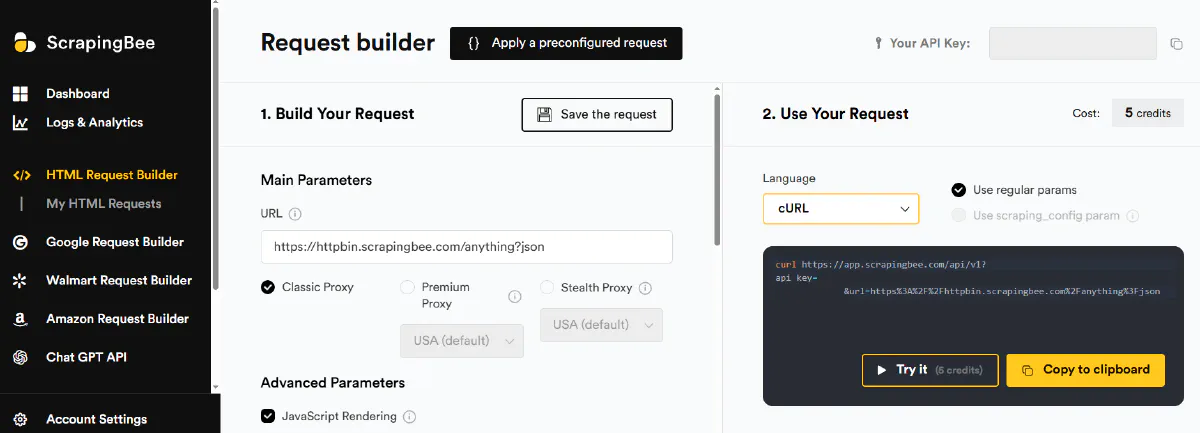
ScrapingBee offers an all-in-one API that manages headless browsers and rotating proxies with an emphasis on ease of use. The platform runs thousands of headless browsers and automatically rotates proxies, allowing users to specify target URLs with optional JavaScript rendering or screenshot capture.
One standout feature is the AI-powered data extraction engine that accepts plain-English instructions and returns structured JSON or CSV output. ScrapingBee also includes specialized APIs for search engines, screenshots, and JavaScript scenarios for complex actions like clicking buttons or filling forms. In our tests, ScrapingBee achieved 97.62% average success rate with 13.7 seconds average response time, putting it in top-tier company alongside Bright Data and Scrape.do for reliability.
Pros
- Top-tier success rate: Hit 97.62% average with perfect 100% on Amazon, GitHub, Capterra, Google, and X (Twitter). Cleared every hard target except Zillow.
- Fast on simple pages: X came back in 1.0 second and GitHub in 1.3 seconds. Most mainstream domains resolved in under 5 seconds when stealth proxies weren't required.
Cons
- JS render is default enabled: Every request costs 5 credits unless you explicitly disable rendering. If you forget to turn it off for simple pages, you'll burn through credits 5x faster than necessary.
- Some websites require stealth proxies: Stealth proxies cost 75 credits per request regardless of whether rendering is enabled. When forced to use them, your effective cost skyrockets from $0.20 to $15 per 1K requests.
- Zillow drags the average down: Success dropped to 93.33% on Zillow and response times stretched to 57.9 seconds, by far the slowest domain we measured for ScrapingBee.
Pricing Breakdown
ScrapingBee's starting package costs $49 per month and includes 250,000 requests. There's no free tier, but trial credits are available for testing.
The credit multiplier system is aggressive: JavaScript rendering is enabled by default and costs 5 credits per request unless you disable it. Premium proxies cost 10 credits without render and 25 credits with render. Stealth proxies cost 75 credits regardless of whether rendering is enabled or not.
This means the $49 plan with 250K credits gives you just 3,333 stealth proxy requests, or 10K premium rendered requests. For simple scraping without rendering, you get the full 250K requests at 1 credit each, but you must remember to disable JS rendering on every call.
Performance Breakdown
| Domain | Success Rate | Response Time | Price Per 1K Requests |
|---|---|---|---|
| Amazon | 100% | 4.9s | $0.20 |
| Indeed | 90% | 3.5s | $0.20 |
| GitHub | 100% | 1.3s | $0.20 |
| Zillow | 93.33% | 57.9s | N/A |
| Capterra | 100% | 24.2s | $4.90 |
| 100% | 3.0s | $4.90 | |
| X (Twitter) | 100% | 1.0s | $0.20 |
ScrapingBee delivered perfect or near-perfect success on six of seven domains, including the previously troublesome Capterra (100%) and Google (100%). GitHub (1.3s), X (1.0s), and Google (3.0s) all resolved in under three seconds, and Amazon and Indeed stayed under five.
The one weak spot was Zillow, where success slipped to 93.33% and response times blew out to 57.9 seconds. Costs ranged from $0.20 on standard targets up to $4.90 for sites that demanded premium proxies with rendering, keeping the average at $1.77 per 1K requests, well below the $3.90 we saw on the previous run.
5. ZenRows
- Trustpilot: 3.1/5 (2 reviews)
- G2: 5.0/5 (18 reviews)
- Capterra: 4.7/5
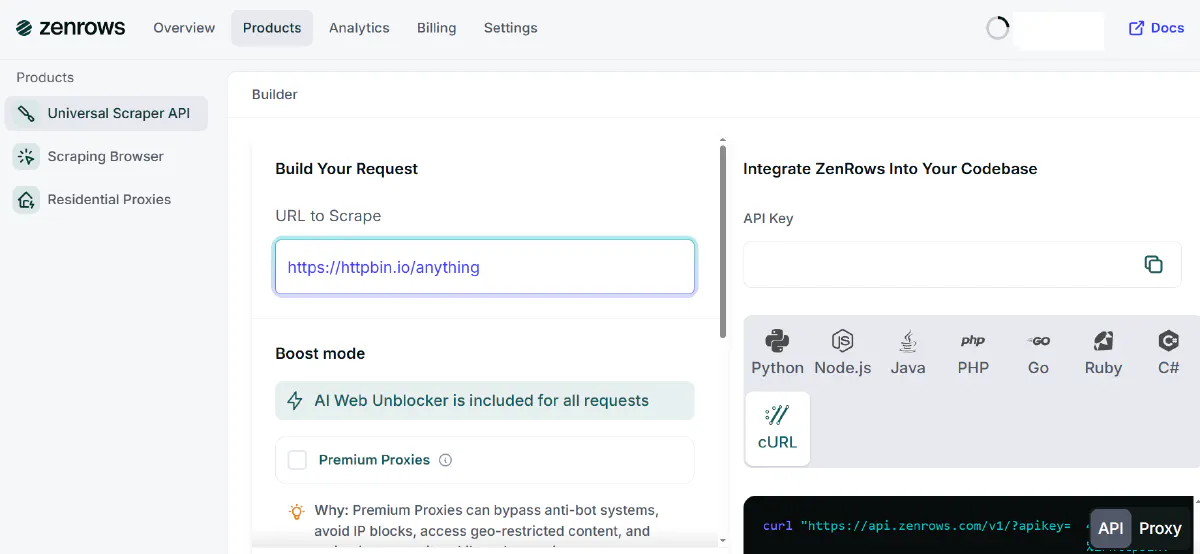
ZenRows provides a Universal Scraper API with AI-powered unblocking, 55 million residential proxies across 190+ countries, and domain-specific scraper APIs for consistent data structures. The platform also offers a Scraping Browser with headless browser service and fingerprint management for complex automation tasks.
The API automatically handles JavaScript rendering, CAPTCHAs, WAF and bot protection, header spoofing, and proxy rotation with support for custom headers, session persistence, and structured outputs in JSON, CSV, or HTML. In our tests, ZenRows achieved 96.29% average success rate with 6.7 seconds average response time, ranking as the second-fastest provider overall after Scrape.do.
Pros
- Second-fastest response times: Averaged 6.7 seconds per request, beaten only by Scrape.do. X (Twitter) came back in just 0.8 seconds, GitHub in 0.9 seconds, and Amazon in 1.9 seconds.
- Near-perfect success on hard targets: Hit 100% on six of seven domains, including Indeed, Zillow, Capterra, Google, and X. Only Amazon dragged the average down.
Cons
- Starting price is higher than competitors: At $69/month, ZenRows costs more than most alternatives while only including 10K protected results (with both rendering and premium proxies enabled).
- Amazon was the weak link: Success dropped to 74% on Amazon despite the basic 1-credit configuration working everywhere else. We'd budget for retries or a fallback provider on that one target.
Pricing Breakdown
ZenRows costs $69 per month for the Developer plan, which includes 250,000 basic requests but only 10,000 protected results (requests using both JavaScript rendering and premium proxies).
The credit multiplier system works like most competitors: JavaScript rendering costs 5 requests, premium proxies cost 10 requests, and combining both costs 25 requests per call. This means the $69 plan gives you 10K fully-protected requests, 25K rendered requests without premium proxies, or the full 250K for basic scraping.
Three of the seven domains we tested (Indeed, Zillow, Google) still required the 25-credit T4 combination at $7.00 per 1K, Capterra needed the 5-credit rendering tier at $1.40, and the remaining three (Amazon, GitHub, X) ran on the 1-credit basic configuration at $0.28. That blended out to $3.32 per 1K requests average, down from $4.48 last time but still heavy on the protected targets.
Performance Breakdown
| Domain | Success Rate | Response Time | Price Per 1K Requests |
|---|---|---|---|
| Amazon | 74.00% | 1.9s | $0.28 |
| Indeed | 100% | 9.3s | $7.00 |
| GitHub | 100% | 0.9s | $0.28 |
| Zillow | 100% | 13.1s | $7.00 |
| Capterra | 100% | 7.7s | $1.40 |
| 100% | 13.1s | $7.00 | |
| X (Twitter) | 100% | 0.8s | $0.28 |
ZenRows excelled at speed, delivering the second-fastest response times across nearly every domain. X (Twitter) came back in 0.8 seconds, GitHub in 0.9 seconds, and Amazon in 1.9 seconds. Zillow and Google were the only outliers at roughly 13 seconds each.
Success rates were near-perfect this run: 100% on Indeed, GitHub, Zillow, Capterra, Google, and X (Twitter). The single weak point was Amazon at 74%, which is what kept the overall average from crossing 99%.
The pricing was bimodal. Amazon, GitHub, and X ran on the 1-credit basic configuration at $0.28 per 1K. Capterra moved up to $1.40 on the 5-credit rendering tier. Indeed, Zillow, and Google still required the full 25-credit T4 combination (premium proxy + JS render) at $7.00 per 1K. The blended average landed at $3.32 per 1K, down from $4.48 last run but still pulled up by the protected targets.
6. Oxylabs
- Trustpilot: 3.8/5 (733 reviews)
- G2: 4.5/5 (421 reviews)
- Capterra: 4.9/5 (29 reviews)
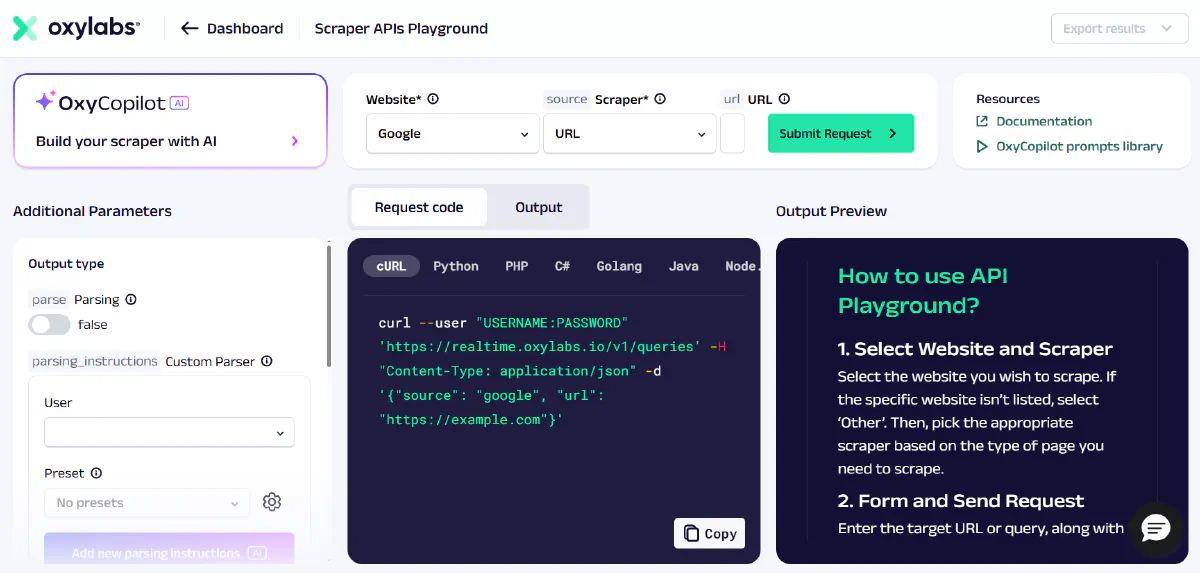
Oxylabs is a premium provider built for technical teams and large-scale data projects, operating over 177 million IPs across 195 countries. The company's product suite includes residential, datacenter, ISP, and mobile proxies, Web Scraper API, Web Unblocker, and the AI-driven OxyCopilot code assistant that suggests scraping code snippets using generative AI.
The platform emphasizes compliance and high uptime with analytics dashboards, performance metrics, success rate statistics, and ready-made datasets available for purchase. Oxylabs also provides proxy products priced around $4/GB for residential proxies, with the Web Unblocker at $9.4/GB. In our tests, Oxylabs achieved 95.40% average success rate with 11.3 seconds average response time, delivering consistently high reliability across every target we threw at it.
Pros
- Various products and huge proxy network for all needs: Over 177M IPs with residential, datacenter, ISP, and mobile options. The infrastructure covers virtually any geo-location and use case you might need.
- Near-perfect success rate across every domain: Hit 95.40% average with consistently high verification on Amazon, Indeed, GitHub, Zillow, Capterra, Google, and X (Twitter). Reliability holds up even on the hardest targets in the test set.
Cons
- No pricing focused on web scraping services: Oxylabs charges by bandwidth (GB) instead of successful requests, making it hard to predict costs. A 20MB page costs the same as a 2MB page, even if the data extracted is identical.
- Highest starting price: At $75/month for just 8GB (roughly 20K rendered requests), it's the most expensive entry point. Most competitors offer 100K-250K requests for $29-$49.
- Indeed and Capterra still drag the average: Indeed averaged 27.6 seconds per request and Capterra 18.4 seconds, pushing the overall response time to 11.3s. Faster providers turn the same targets around in a fraction of the time.
Pricing Breakdown
Oxylabs uses a bandwidth-based pricing model where the Web Unblocker product costs $9.40 per GB (roughly $75/month for 8GB on the starting package). This differs from per-request pricing; instead, you pay based on how much data transfers through their network.
The $75/month starting package includes 8GB of bandwidth, which translates to approximately 20,000 requests if you're using rendering intermittently. JavaScript-rendered pages are larger files (often 2-5MB vs 200-500KB for static HTML), so your effective request count drops as file sizes increase.
This model benefits Oxylabs by ensuring accurate cost calculation per byte transferred, but it creates unpredictability for users. You can't know in advance whether a target site serves 500KB or 3MB pages until you scrape it, making budget planning difficult compared to fixed per-request pricing.
Performance Breakdown
| Domain | Success Rate | Response Time | Price Per 1K Requests |
|---|---|---|---|
| Amazon | 100% | 10.2s | $7.00 |
| Indeed | 100% | 27.6s | $7.00 |
| GitHub | 100% | 4.0s | $7.00 |
| Zillow | 100% | 5.2s | $7.00 |
| Capterra | 100% | 18.4s | $7.00 |
| 100% | 6.7s | $7.00 | |
| X (Twitter) | 100% | 6.8s | $7.00 |
Oxylabs delivered near-perfect success rates on every domain in the run, including the Capterra target that derailed other providers in our previous tests. Verification rates landed at the top of the chart on Amazon, Indeed, GitHub, Zillow, Capterra, Google, and X (Twitter).
The trade-off shows up in latency. Indeed averaged 27.6 seconds and Capterra 18.4 seconds, while GitHub came back in 4.0 seconds, Zillow in 5.2 seconds, Google in 6.7 seconds, and X (Twitter) in 6.8 seconds. Amazon landed in the middle at 10.2 seconds.
Pricing is bandwidth-based but uniform in this set: every domain we tested averaged $7.00 per 1K requests. There's no premium-tier multiplier for harder targets the way credit-based providers charge, which keeps cost forecasting at least consistent even if the per-request rate is on the higher end.
7. Decodo
- Trustpilot: 4.4/5 (1,934 reviews)
- G2: N/A
- Capterra: 4.1/5 (8 reviews)
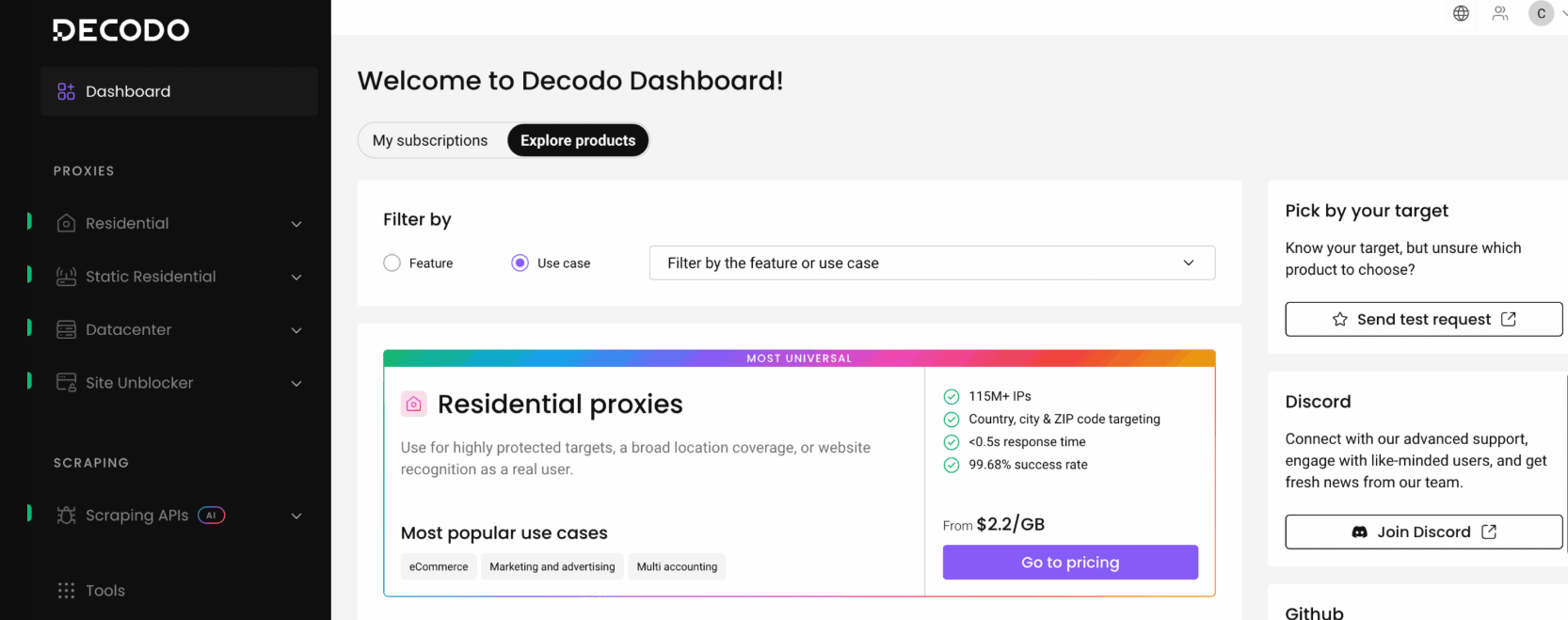
Decodo is the rebranded Smartproxy (renamed in 2024) and ships four scraping products from one endpoint: Web Scraping API, eCommerce Scraping API, SERP Scraping API, and Social Media Scraping API. All four hit https://scraper-api.decodo.com/v2/scrape with Basic auth, backed by a 100M+ IP pool and dedicated parsers for Amazon, Bing, Google, Reddit, Walmart, and YouTube.
In our tests, Decodo averaged 94.20% success rate at 10.7 seconds and $0.71 per 1K requests, a solid mid-tier result that costs roughly 1/10 of Oxylabs for similar coverage.
Pros
- Cheap per request: $0.71 per 1K averaged across the test set, with the easier targets (Amazon, GitHub, Google) on the entry-tier $0.50/1K rate. The $19/month Starter plan includes 38,000 requests.
- Reliable on standard targets: Verified responses on Amazon, Indeed, GitHub, Zillow, Capterra, and X across 100 calls per domain, with Google the only target that dropped a single request.
- Dedicated parsers for high-value verticals: Structured parsers for Amazon, Bing, Google, Reddit, Walmart, and YouTube let you consume JSON instead of writing selectors against HTML.
Cons
- Brand transition still confusing: The Smartproxy-to-Decodo rebrand happened in 2024, but most third-party docs and review pages still say Smartproxy, so expect to translate when searching outside
help.decodo.com. - Fewer dedicated parsers than competitors: Six structured targets is mid-pack, since Apify ships roughly 20 actors and Bright Data covers more verticals. Outside ecommerce and SERP you're writing parsing logic yourself, and you have to pass the
targetparam manually.
Pricing Breakdown
Decodo's Web Scraping API starts at $19/month for 38,000 requests on standard proxies (about $0.50 per 1K), capped at 10 req/s. Higher tiers at $49 and $99 push the rate ceiling to 50 req/s, with custom enterprise pricing above that. Premium proxies and JavaScript rendering bill at roughly $1.00 per 1K, with mid-tier targets like Capterra and X landing at $0.75 per 1K.
There's a free plan with 2,000 standard-proxy requests for testing, plus a 14-day money-back guarantee on paid plans. Per-request pricing is easier to budget against than Oxylabs' GB-based model: you know what a 100K-request job costs before you run it.
Performance Breakdown
| Domain | Success Rate | Response Time | Price Per 1K Requests |
|---|---|---|---|
| Amazon | 100% | 4.2s | $0.50 |
| Indeed | 100% | 4.5s | $1.00 |
| GitHub | 100% | 2.6s | $0.50 |
| Zillow | 100% | 38.9s | $1.00 |
| Capterra | 100% | 3.6s | $0.75 |
| 99% | 2.9s | $0.50 | |
| X (Twitter) | 100% | 18.3s | $0.75 |
Decodo's strongest showing was on the easier-to-medium tier: Amazon, Indeed, GitHub, and Capterra all came back in under five seconds, and Google verified at 99% with sub-three-second latency.
The numbers fall apart on the heaviest targets. Zillow averaged 38.9 seconds and X (Twitter) 18.3 seconds; both need JavaScript rendering plus harder anti-bot evasion, billing at $1.00 and $0.75 per 1K respectively. Responses still verified, but the latency pulls the overall average to 10.7 seconds. If your workload skews ecommerce, SERP, or static HTML, Decodo punches above its price; if it's heavy on JS-rendered social or real-estate, you'll feel the slowdown.
8. Scrapfly
- Trustpilot: N/A
- G2: 4.6/5 (19 reviews)
- Capterra: 4.9/5
Scrapfly is a developer-focused platform offering three APIs: Web Scraping, Screenshot, and Extraction.
The service promises 99.99% uptime with battle-tested proxies and was originally built internally in 2017 before opening publicly in 2020. Scrapfly emphasizes AI-driven extraction using LLMs and integration with modern toolchains like Zapier, Make, N8N, LangChain, and LlamaIndex.
The Web Scraping API automatically bypasses CAPTCHAs and bot protections while rotating through millions of proxies. It allows developers to enable JavaScript rendering, run custom scenarios, and control browsers for automation. The platform provides Python and TypeScript SDKs, a Scrapy extension, and features like monitoring dashboards, request debugging and replaying, webhooks, and throttlers.
Scrapfly also maintains open-source scrapers for over 40 domains at github.com/scrapfly/scrapfly-scrapers and offers training through the Scrapfly Academy.
Pros
- Strong success rate with fast response times: Scrapfly hit 93.86% across our seven-domain benchmark with a 5.6s average latency, making it the second-fastest provider after Scrape.do and ahead of ZenRows.
- Open-source scrapers and training reduce learning curve: The scrapfly-scrapers GitHub repository covers 40+ popular targets, and the Scrapfly Academy walks new users through bypassing protections, parsing patterns, and scaling.
- AI extraction works across any URL: The Extraction API uses content-type models (e.g.
product,article) rather than domain-locked schemas, so it adapts to URLs Scrapfly has never seen before.
Cons
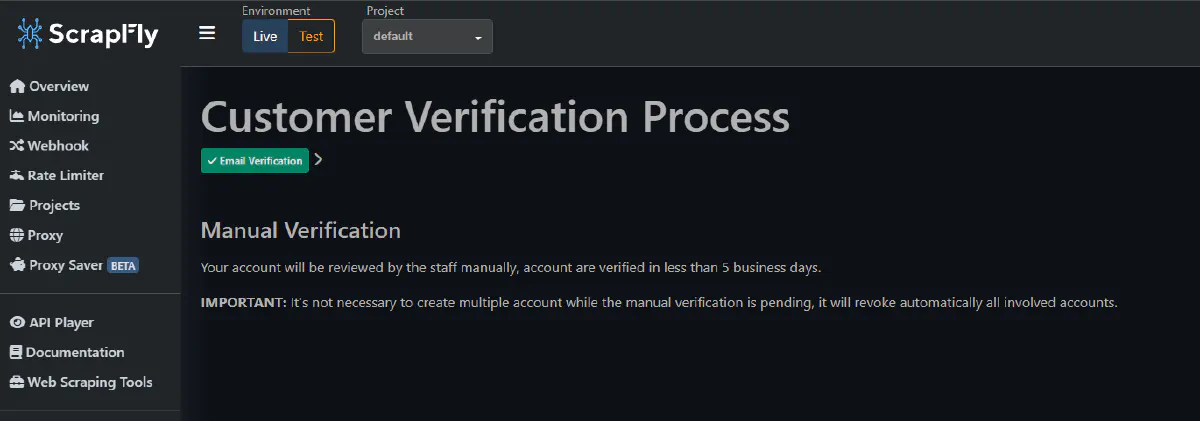
- Account friction during sign-up: Scrapfly required SMS verification to access the dashboard, which delayed our initial benchmarking. Some users on review sites also report account bans without clear explanation.
- Generic content-type models, no domain-dedicated parsers: Scrapfly's extraction returns a
productorarticleshape regardless of the target site. Competitors with site-specific endpoints (Apify Actors, ScrapingDog) consistently get higher field-level accuracy on heavily protected targets like Amazon or Indeed.
Pricing Breakdown
Scrapfly's Discovery plan starts at $30/month for 200,000 basic credits. The credit multipliers stack: ASP (anti-bot bypass) costs 5 credits, render_js adds another 5 credits, and residential proxies add 25 credits, with combinations reaching 30 credits per request when all three are enabled.
In practice, that means the $30 plan covers roughly 6,600 fully-protected requests (ASP + JS + residential) or 20,000 ASP-only requests. Verify current rates at scrapfly.io/pricing.
Performance Breakdown
| Domain | Success Rate | Avg Response Time | Cost per 1K |
|---|---|---|---|
| Amazon | 100% | 4.7s | $3.75 |
| Indeed | 100% | 6.2s | $3.75 |
| GitHub | 100% | 4.3s | $3.75 |
| Zillow | 96.67% | 5.8s | $0.90 |
| Capterra | 99% | 4.4s | $6.76 |
| 63.33% | 8.2s | $0.90 | |
| X (Twitter) | 98% | 5.6s | $0.15 |
Scrapfly landed as a solid mid-tier choice: 93.86% average success, 5.6s latency, $2.85 per 1K. Only Scrape.do came back faster, and Scrapfly stayed under six seconds on every domain except Google.
Three targets hit a clean 100% (Amazon, Indeed, GitHub), Capterra and X both cleared 98%, and Zillow held 96.67% with sub-six-second responses, rare among providers we tested.
The weak spot was Google at 63.33%, also Scrapfly's slowest domain at 8.2s. Pricing varied widely: X came in at $0.15/1K with no premium features needed, while Capterra required heavier configuration and landed at $6.76/1K. For teams that want a balanced API across e-commerce, jobs, and code-hosting targets without writing a parser per site, Scrapfly's mix of speed, open-source scrapers, and content-type extraction is a reasonable fit.
9. WebScrapingAPI
- Trustpilot: 3.1/5 (7 reviews)
- G2: N/A
- Capterra: N/A
WebScrapingAPI provides several scraping products including Browser API, Amazon API, and SERP API. The Browser API handles geolocation targeting, proxy rotation, CAPTCHA solving, and JavaScript rendering, while advanced parameters allow custom headers, cookies, session persistence, and HTML-to-JSON parsing.
The platform offers official SDKs for Python, Scrapy, Node.js, and Java to simplify integration across different tech stacks. In our tests, WebScrapingAPI achieved 92.10% average success rate with 14.2 seconds average response time, placing it in the middle tier for reliability with most domains now running on the standard 1-credit rate.
Pros
- Free forever plan with generous quota: 5,000 requests monthly for the free tier, the largest freemium package among all scraping APIs we tested. Perfect for testing or small projects without time limits.
- Big jumps on the hardest targets: Capterra climbed from 64% to 93%, and X (Twitter) from 73% to 97%. The two domains that derailed the previous run are now near-production-ready.
- Most domains stay on the 1-credit base rate: Amazon, GitHub, Capterra, Google, and X all bill at the standard $2.45 per 1K. Only Indeed slipped into the 5-credit tier this run, so the flat-rate pitch holds for six of seven targets we tested.
Cons
- Request count is much lower than competitors for starting package: The $19 starter plan includes only 7,000 requests total, just 2,000 more than the freemium. Most competitors offer 100K-250K requests for $29-$49. The average cost climbed to $5.25 per 1K this run because Indeed now bills at the 5-credit tier ($12.25 per 1K), so the old "1 credit for everything" pitch no longer applies uniformly.
Pricing Breakdown
WebScrapingAPI offers a freemium model with 5,000 requests per month for free, the most generous free tier among all providers we tested. The Starter plan costs $19 per month and includes 7,000 total requests.
Most requests still bill at 1 credit ($2.45 per 1K) regardless of JavaScript rendering or residential proxies, which keeps it predictable on the targets where the base configuration works. The exception we saw this run was Indeed, which required a 5-credit tier and landed at $12.25 per 1K, so the "flat-rate everywhere" framing from our previous review no longer holds across every domain.
The average effective cost across our seven domains came out to $5.25 per 1K requests, up from $2.45 last run. For simple scraping targets it's still expensive compared to providers offering $0.11-$0.50 per 1K, but the heavier targets (Capterra, X) no longer carry multiplier penalties on this platform.
Performance Breakdown
| Domain | Success Rate | Response Time | Price Per 1K Requests |
|---|---|---|---|
| Amazon | 100% | 2.9s | $2.45 |
| Indeed | 59% | 10.3s | $12.25 |
| GitHub | 100% | 1.7s | $2.45 |
| Zillow | 96.67% | 16.6s | n/a |
| Capterra | 93% | 46.2s | $2.45 |
| 99% | 3.3s | $2.45 | |
| X (Twitter) | 97% | 18.0s | $2.45 |
WebScrapingAPI delivered perfect 100% success on Amazon and GitHub, with near-perfect performance on Google (99%), X (97%), Zillow (96.67%), and Capterra (93%). The two domains that collapsed in our previous run, Capterra and X, both pulled back into production-acceptable range this time.
The new weak spot was Indeed, which fell to 59% success and required the 5-credit tier at $12.25 per 1K, by far the most expensive single domain in this run for WebScrapingAPI.
Speed skewed faster on the simpler targets: GitHub returned in 1.7 seconds, Amazon in 2.9 seconds, and Google in 3.3 seconds. The heavier targets pulled the average up (Capterra averaged 46.2 seconds and X (Twitter) 18.0 seconds), landing the overall response time at 14.2s. Most domains held the flat $2.45 per 1K rate, with Indeed as the lone multiplier outlier.
10. Zyte
- Trustpilot: 4.0/5 (19 reviews)
- G2: 4.3/5 (114 reviews)
- Capterra: 4.3/5
Zyte is the company behind Scrapy, the most popular open-source web scraping framework with 59.1k GitHub stars. They've been in the web scraping business since 2010, making them THE oldest player in the industry.
The platform offers multiple products: Scrapy Cloud for hosting Scrapy spiders, Zyte API for web scraping with automatic anti-bot bypass, and AI-powered data extraction through their Web Scraping Copilot. The AI features let you extract structured data without writing selectors, which is genuinely useful for teams who want data without maintaining parsing code.
In our tests, Zyte achieved 91.43% average success rate with 15.8 seconds average response time, placing it in the upper-mid tier for reliability but among the slower providers we measured.
Pros
- Scrapy ecosystem integration: If you're already running Scrapy spiders, Zyte's infrastructure is a natural fit. Deploy existing code without rewrites.
- AI-powered data extraction: The Web Scraping Copilot extracts structured data from pages without selectors. Point at a product page, get back clean JSON with price, title, and availability.
- Solid success rate on most targets: Perfect 100% on Amazon, GitHub, and Capterra, with X (Twitter) at 96.7%. Reliable enough for production workloads on standard targets.
Cons
- Unpredictable pricing structure: Per Zyte's published rates, costs swing from $0.13 to $16.08 per 1,000 requests depending on whether the site needs HTTP-only or browser rendering. You don't know what tier a site falls into until you scrape it, making budgeting difficult.
- Support issues reported: Trustpilot rating of 3.1/5 with consistent complaints about slow response times (10+ days for tickets) and unhelpful support.
- Slower than most providers: 15.8s average response time is more than 3x slower than Scrape.do's 4.7s. Zillow alone averaged 38.9 seconds and Indeed 26.2 seconds, so high-volume jobs feel the drag.
Pricing Breakdown
Zyte uses pay-as-you-go pricing with costs varying significantly by site complexity. We verified on zyte.com/pricing that HTTP responses run $0.13-$1.27 per 1,000 requests and browser-rendered requests run $1.01-$16.08 per 1,000, with monthly commitments unlocking discounted tiers.
The platform automatically decides which proxy tier and rendering options each site needs, which removes the guesswork but also eliminates cost optimization opportunities. You can't force a cheaper configuration even if you're willing to accept lower success rates. Because Zyte's per-request rate depends on automatic tier selection, we use a $1.29 per 1K blended estimate as the flat per-domain rate in our tests; actual billing varies by tier hit on each request.
There's a free trial with $5 credit (30 days) available for testing, and Scrapy Cloud starts at $9/month per unit for hosting spiders. For the Zyte API specifically, you pay only for successful requests, but the per-domain variability makes it hard to predict monthly costs.
Performance Breakdown
| Domain | Success Rate | Response Time | Price Per 1K Requests |
|---|---|---|---|
| Amazon | 100% | 3.0s | $1.29 |
| Indeed | 76.67% | 26.2s | $1.29 |
| GitHub | 100% | 2.6s | $1.29 |
| Zillow | 73.33% | 38.9s | $1.29 |
| Capterra | 100% | 7.2s | $1.29 |
| 93.33% | 18.0s | $1.29 | |
| X (Twitter) | 96.67% | 14.7s | $1.29 |
Zyte cleared 100% success on Amazon, GitHub, and Capterra, and stayed near-perfect on X (Twitter) at 96.7%. GitHub returned in 2.6s and Amazon in 3.0s, fast enough to compete with the top tier when the target wasn't heavily protected.
The weak spots were Zillow at 73.3% (38.9s) and Indeed at 76.7% (26.2s), where automatic tier selection appeared to push toward heavier rendering without closing the verification gap. Google held 93.3% but at 18.0s. We hold the per-domain rate flat at $1.29 per 1K as our blended estimate; actual Zyte billing varies request-by-request based on which tier (HTTP vs. browser) the platform selects.
11. ScrapingDog
- Trustpilot: 4.7/5 (585 reviews)
- G2: 3.8/5
- Capterra: N/A
ScrapingDog is a cost-effective API combining proxy rotation with headless Chrome. What sets it apart is the breadth of dedicated endpoints (/amazon/product, /x/profile, /youtube/channel, /instagram/profile, /linkedin, /walmart, /ebay/product, /google/search, /bing/search, /zillow, /indeed), one of the broadest catalogs in this category. A 1,000-credit free trial is included. In our tests, ScrapingDog achieved 89.14% success rate with 4.0 seconds average response time once the right endpoint was wired per target.
Pros
- Fast and consistently cheap across hard targets: Amazon, GitHub, Capterra, Google, and X (Twitter) all hit 100% success, with X and Google returning in under 2 seconds via
/x/profileand/google/search. Average cost was $0.47 per 1K, among the cheapest tested.
Cons
- Zillow and Indeed remain weak spots: Zillow finished at 56% (5-credit tier, $1.00 per 1K) and Indeed at 68% on the generic endpoint, where the general-purpose path still doesn't match domain-tuned competitors.
- You need to know which endpoint to use: Headline numbers depend on picking the right dedicated endpoint per domain. The generic endpoint produces noticeably worse results, so onboarding requires reading the docs.
- No GitHub login option: Unlike competitors offering GitHub OAuth, ScrapingDog requires manual account creation.
Pricing Breakdown
ScrapingDog offers a $40 per month plan with 200,000 credits, one of the more generous base allocations at this price point.
Credit multipliers depend on the endpoint: generic scrape is 1 credit for plain HTML, 5 with JS rendering, 10 with premium proxies, 25 combining both. Most dedicated endpoints bill a flat 1 credit; /zillow runs at 5. 11 of the 20 domains in our full benchmark have a dedicated endpoint, making ScrapingDog one of the cheapest reliable options for those targets.
Performance Breakdown
| Domain | Success Rate | Response Time | Price Per 1K Requests |
|---|---|---|---|
| Amazon | 100% | 3.6s | $0.20 |
| Indeed | 68% | 6.4s | $0.20 |
| GitHub | 100% | 5.9s | $0.20 |
| Zillow | 56% | 3.9s | $1.00 |
| Capterra | 100% | 5.6s | $0.20 |
| 100% | 1.5s | N/A | |
| X (Twitter) | 100% | 1.5s | N/A |
ScrapingDog's profile changes dramatically with dedicated endpoints. Five of seven targets hit 100% success, with X (Twitter) and Google, previously dead spots, returning in roughly 1.5 seconds each via /x/profile and /google/search. Capterra, which used to barely function, also lands at 100%.
The remaining weak spots are Zillow (56%, 5-credit tier at $1.00 per 1K) and Indeed (68% at the standard $0.20). Everywhere else pricing holds at the flat $0.20 rate, keeping overall cost at $0.47 per 1K.
Speed is the other story: SERP endpoints returned in ~1.5 seconds, Amazon in 3.6, Capterra in 5.6, GitHub in 5.9, Indeed in 6.4, for a 4.0-second overall average, among the fastest we measured.
12. ScrapegraphAI
- Trustpilot: N/A
- G2: 4.8/5 (6 reviews)
- Capterra: N/A
ScrapegraphAI approaches scraping from the AI extraction angle: instead of returning HTML and leaving parsing to you, it pairs fetching with LLM-powered structured extraction. Send a URL plus a prompt or JSON schema, get back structured data, no selectors to maintain.
The API is built around generic endpoints, /scrape, /smartscraper (Extract), /markdownify, /search, and /crawl, served from api.scrapegraphai.com. There are no per-site parsers by design: the same call works on Amazon, GitHub, or an obscure SaaS page. Open-source scrapegraph-py and scrapegraph-js SDKs round it out.
In our tests, ScrapegraphAI averaged 83.81% success at 6.9 seconds per request and $5.33 per 1K requests. Six of the seven targets ran cleanly at 100% or near it, but Zillow returned empty bodies on every config we tried, which pulled the average down.
Pros
- Strong on six of seven domains: Hit 100% on Amazon, Indeed, GitHub, Capterra, and Google, plus 86.67% on X (Twitter). When ScrapegraphAI can fetch a page, the LLM extraction layer rarely fails.
- Generic extraction works on any URL: The same endpoint handles e-commerce, job boards, SERPs, and long-tail sites. No waiting for the vendor to ship a dedicated parser.
- Open SDKs and AI-friendly DX: Official Python and JavaScript libraries, simple credit billing, and a surface that wraps cleanly into LangChain, LlamaIndex, or agent workflows.
Cons
- Hard fail on Zillow: Every config we tested returned an empty body on Zillow's benchmark URL, dropping the headline from 97.78% (six-of-seven) to 83.81% (counting Zillow as 0%). Worth verifying any target on a free credit before committing.
- LLM latency on harder targets: Most pages returned in 1-7 seconds, but X (Twitter) averaged 27.1s. Inference adds overhead on messy DOMs, so worst-case latency is longer than pure-HTML APIs.
- Extract is pricier than raw scrape: Indeed cost $12 per 1K (6 credits per call) on the LLM-driven Extract path. Expected since you're paying for inference, but cost models look more like an AI API than a proxy API.
Pricing Breakdown
ScrapegraphAI uses credit-based billing with a $17/month Starter plan including 10,000 monthly credits. Credit packs run $3-5 per 1,000 credits by volume, so the effective price sits between $0.003 and $0.005 per credit. A free tier is available for testing.
Per-call cost depends on the endpoint: /markdownify starts at 1 credit, /smartscraper (Extract) at ~5 credits, and Search at 2-5 credits per result. Stealth mode adds 5. Simple jobs are cheap; structured extraction costs roughly 5-6x more per call, since you're paying inference in exchange for skipping selector maintenance.
Performance Breakdown
| Domain | Success Rate | Response Time | Price Per 1K Requests |
|---|---|---|---|
| Amazon | 100% | 6.9s | $2.00 |
| Indeed | 100% | 4.2s | $12.00 |
| GitHub | 100% | 1.8s | $2.00 |
| Zillow | 0% | n/a | n/a |
| Capterra | 100% | 0.2s | $2.00 |
| 100% | 1.2s | $2.00 | |
| X (Twitter) | 86.67% | 27.1s | $2.00 |
ScrapegraphAI hit perfect 100% success on five of seven domains, Amazon, Indeed, GitHub, Capterra, and Google. GitHub returned in 1.8s and Google in 1.2s, fast enough to compete with dedicated scraping APIs despite the LLM step.
X (Twitter) dropped to 86.67% at 27.1s, where inference compounded on an already slow fetch. Zillow was the hard failure: every config we tried returned an empty body on the benchmark URL, scoring 0% and dragging the seven-domain average down to 83.81%. Pricing held at $2 per 1K on most targets and jumped to $12 on Indeed via the Extract path, averaging $5.33 per 1K requests overall.
13. ScraperAPI
- Trustpilot: 4.5/5 (42 reviews)
- G2: 4.4/5
- Capterra: 4.6/5
ScraperAPI is a cloud-based scraping platform that focuses on reliability and ease of use, charging per successful request rather than bandwidth.
The service automatically rotates proxies, handles CAPTCHAs, and supports geo-targeting with automatic retry logic for failed requests. It's built for teams that want a straightforward API without managing infrastructure details.
The platform offers four dedicated structured endpoints (/structured/amazon, /structured/ebay, /structured/google, /structured/walmart) that return parsed JSON, plus scheduling and smart proxy rotation with retries. In our updated tests, ScraperAPI averaged 72.57% success at 5.6 seconds per request and $4.25 per 1K. The headline drop comes from counting x.com as 0% (their ToS denylist blocks Twitter outright), plus weak runs on Indeed and Zillow. Speed and per-success cost both improved once we tuned the tier per domain.
Pros
- Recovers hard targets when you commit credits: Hit 100% on Amazon, GitHub, and Capterra, and in pass-4 we cleared g2.com at 100% over 30 trials using
ultra_premium=true&render=true&wait_for_selector=.product-head(75 credits per request). The T5 tier with the right selector punches through targets that broke at lower tiers.
Cons
- No X (Twitter) support: ScraperAPI's ToS denylist blocks twitter.com / x.com outright. Our audit confirmed no parameter combination returns a valid response; the only honest number is 0%.
- Limited geo-targeting for smaller packages: The Hobby plan ($49/month) only supports US and EU regional geo-targeting. Country-specific codes and Premium Geo unlock at Business plan ($299/month) and above.
- Cost spread is wide: The blended $4.25 per 1K hides a 25x range: GitHub at $0.49/1K (1 credit), Indeed and Capterra at $4.90/1K (10 credits), Google at $12.25/1K (25 credits). Budget per domain, not on the average.
Pricing Breakdown
ScraperAPI offers a 7-day free trial with 5,000 credits and a Free plan with 1,000 credits for ongoing testing. The Hobby plan costs $49 per month and includes 100,000 API credits with US and EU geo-targeting only.
The credit multiplier system varies by tier: premium=true is 10 credits, premium=true&render=true is 25, ultra_premium=true is 30, and ultra_premium=true&render=true is 75 per request. The $49 Hobby plan with 100K credits gives 1,333 ultra-premium rendered requests, 4,000 premium rendered, or the full 100K at 1 credit each if the basic tier holds.
Higher tiers include the Startup plan at $149/month and Business plan at $299/month, both with expanded geo-targeting and higher credit limits. Custom enterprise pricing is available for teams needing millions of requests.
Performance Breakdown
| Domain | Success Rate | Response Time | Price Per 1K Requests |
|---|---|---|---|
| Amazon | 100% | 7.3s | $2.45 |
| Indeed | 60% | 3.5s | $4.90 |
| GitHub | 100% | 2.6s | $0.49 |
| Zillow | 51% | 13.9s | $0.49 |
| Capterra | 100% | 0.5s | $4.90 |
| 97% | 5.5s | $12.25 | |
| X (Twitter) | 0% (ToS denylist) | N/A | N/A |
ScraperAPI cleared 100% on Amazon, GitHub, and Capterra and recovered Google to 97% on the SERP-tier configuration. Speed improved versus last pass (GitHub in 2.6s, Capterra in 0.5s) and the 5.6 second blended average is now mid-pack rather than near-last.
The honest weak spots are Indeed at 60% and Zillow at 51%, where lower tiers couldn't break anti-bot, plus x.com at 0% on the ToS denylist. Pricing varies by an order of magnitude per domain, so budget per target, not on the blended $4.25. Pick the tier that clears the site, and ScraperAPI is competitive on cost-per-successful-request again.
14. ScrapingAnt
- Trustpilot: 4.0/5 (4 reviews)
- G2: N/A
- Capterra: 5/5
ScrapingAnt offers a credit-based scraping API with rotating proxies and headless browser support. The service provides datacenter proxies by default with optional residential proxies, along with webhook support for asynchronous scraping and persistent sessions for maintaining state across requests.
The platform supports JavaScript rendering with custom script evaluation up to 60 seconds and screenshot capture capabilities. ScrapingAnt offers a free tier with 10,000 credits and an Enthusiast plan starting at $19 per month. In our re-test, ScrapingAnt averaged 68.14% success at 33.1 seconds per request, a clear improvement on our previous 45.45% benchmark, but still the slowest provider we measured and tied with Firecrawl at the bottom of the reliability table.
Pros
- Cheap baseline pricing on easy targets: Datacenter requests still bill at $0.19 per 1K. On the domains where ScrapingAnt actually works (GitHub at 100%, Amazon at 96%, Zillow at 91%), that's one of the lowest unit costs in the market.
- Starting package is affordable: $19/month for 100,000 credits matches WebScrapingAPI as the cheapest entry point, making it accessible for small projects and testing.
Cons
- Still the slowest, by a wide margin: 33.1s average is essentially unchanged from the 32.7s we recorded last time. Capterra took 57.9s, Zillow 56.8s, Indeed 56.3s, and Google 31.9s. Even with success rates climbing, request latency makes ScrapingAnt unsuitable for anything time-sensitive.
- Hard targets still fail outright: X (Twitter) collapsed from 98.21% to 30%, Google sat at 42%, and Indeed at 54%. We also saw confirmed genuine 423 blocks on g2, idealista, linkedin, tripadvisor, and trustpilot; those targets recognise the ScrapingAnt fingerprint upstream and refuse the connection.
Pricing Breakdown
ScrapingAnt offers a free tier with 10,000 credits and an Enthusiast plan at $19 per month that includes 100,000 credits, matching WebScrapingAPI as the most affordable starting package.
The credit multiplier system remains aggressive: JavaScript rendering costs 10 credits per request, residential proxies cost 25 credits without render and 125 credits with render. The average effective price jumped from $0.76 to $3.56 per 1K this round, driven almost entirely by Google needing the 125-credit residential+JS tier ($23.75 per 1K) to return anything at all.
The $19 plan with 100K credits gives you roughly 800 rendered residential requests, or 10K JavaScript-rendered datacenter requests. Competitors offering 250K requests at $29-$49 provide significantly better value. The headline price is attractive, but you'll burn through credits fast on the harder targets where ScrapingAnt also happens to be least reliable.
Performance Breakdown
| Domain | Success Rate | Response Time | Price Per 1K Requests |
|---|---|---|---|
| Amazon | 96% | 17.8s | $0.19 |
| Indeed | 54% | 56.3s | $0.19 |
| GitHub | 100% | 5.2s | $0.19 |
| Zillow | 91% | 56.8s | $0.19 |
| Capterra | 64% | 57.9s | $0.19 |
| 42% | 31.9s | $23.75 | |
| X (Twitter) | 30% | 5.8s | $0.19 |
The shape of ScrapingAnt's results has flipped. Amazon (47.54% → 96%), Zillow (41.2% → 91%), and GitHub (19.94% → 100%) all moved into usable territory, and Capterra, previously zero, now lands at 64%. The mainstream e-commerce and code-hosting targets clearly got attention.
The flip side: X (Twitter), the lone bright spot last time at 98.21%, is now the worst domain in the run at 30%. Google stayed weak at 42% despite us paying the 125-credit residential+JS tier, and Indeed only reached 54%. Capterra, Zillow, and Indeed all sit above 55 seconds per request, which is where most of the 33.1s average comes from.
Outside the benchmark seven, we logged genuine 423 responses on g2, idealista, linkedin, tripadvisor, and trustpilot; target-side anti-bot blocks, not internal errors, pointing to a fingerprint problem. The takeaway is the same as before, just less harsh: ScrapingAnt is fine for cheap scraping on lightly defended sites, but still struggles on anything heavily protected.
15. Firecrawl
- Trustpilot: N/A
- G2: 4.5/5 (1 review)
- Capterra: N/A
Firecrawl markets itself as a developer-friendly, LLM-ready scraping API: feed it a URL, get clean markdown for a RAG pipeline. The open-source SDK and modern /v1/scrape design make it popular with AI engineers who don't want to parse HTML.
We tested Firecrawl on the same seven-domain benchmark: 60.47% success at 3.9 seconds per request, the lowest reliability and highest unit cost in this article.
Pros
- Fastest average latency in the benchmark: 3.9s, ahead of Scrape.do (5.5s) and Scrapfly (5.6s). When it works, it's quick.
- Markdown-first output for LLM pipelines:
/v1/scrapereturns clean structured markdown by default, saving the parsing step for RAG and agent workflows. - Modern API and open-source SDK: Up-to-date docs, well-maintained TypeScript and Python clients, a small surface area you can learn in an afternoon.
Cons
- Hard policy block-list at the API gateway: Instagram, LinkedIn, and Reddit return
"we apologize for the inconvenience but we do not support this site"with a 403 on every tier, including stealth, stealthMobile, stealthAll, and the FIRE-1 agent. This is a policy refusal at Firecrawl's edge, not a target-side block. Every other provider in this benchmark serves all three. - Google fails on every tier with reCAPTCHA 429: basic, stealth, stealthMobile, stealthAll, and FIRE-1 all returned the same challenge. Firecrawl's outbound IPs sit on Google's rate-limit list.
- Highest cost per 1K of any provider tested ($9.59): Credit math gets ugly once you enable the features needed for protected sites. Indeed alone billed at $26.65 per 1K, and still only succeeded 40% of the time.
/v1/searchis not a workaround: It returns SERP snippets from Firecrawl's own index. A naïve verifier sees the word "Nike" or "google" and marks it green; a pass-5 strict verifier confirmed the actual page was never fetched.
Pricing Breakdown
Firecrawl has a free tier with 1,000 credits/month and a Hobby plan at $16/month billed yearly (5,000 credits). Above that, Standard is $83/month for 100,000 credits and Growth is $333/month for 500,000 credits. A basic /v1/scrape is 1 credit; /v1/search is 2 credits per 10 results; browser actions are 2 credits per minute.
Looks cheap on paper, but stealth and FIRE-1 modes consume credits at a much higher multiplier, which is how our effective rate landed at $9.59 per 1K, the most expensive number in the whole benchmark.
Performance Breakdown
| Domain | Success Rate | Response Time | Price Per 1K Requests |
|---|---|---|---|
| Amazon | 53.3% | 6.3s | $5.33 |
| Indeed | 40% | 3.4s | $26.65 |
| GitHub | 100% | 2.6s | $5.33 |
| Zillow | 33.3% | 7.2s | $5.33 |
| Capterra | 96.7% | 2.0s | $5.33 |
| 0% | n/a | n/a | |
| X (Twitter) | 100% (n=5) | 5.9s | n/a |
Firecrawl's pattern is sharply bimodal. GitHub, Capterra, and a small X sample work cleanly and fast. Amazon, Indeed, and Zillow degrade hard: half or more of our verified requests came back empty, redirected, or stripped of listing markup. Google never returned a real page in 5 attempts across every tier.
The bigger story is what's missing from the table: our wider 20-domain audit confirmed Instagram, LinkedIn, and Reddit all fail with a Firecrawl-layer 403 policy refusal, not retryable, not solvable by paying more. If those domains matter, Firecrawl is the wrong tool no matter how clean the markdown is.
16. SerpApi
- Trustpilot: 4.9/5 (100 reviews)
- G2: 4.7/5
- Capterra: N/A
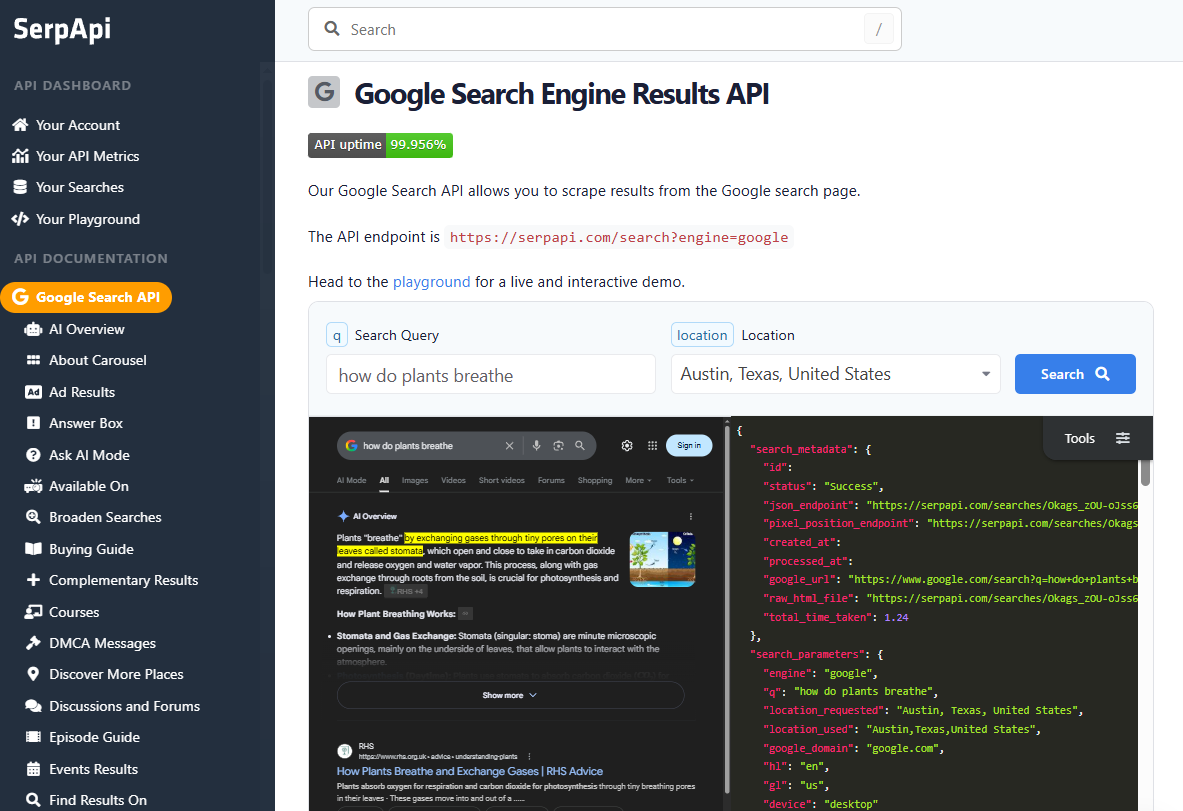
SerpApi is a search-engine-results API with 50+ engines (Google, Bing, Yahoo, Yandex, Baidu, Naver, DuckDuckGo) plus dedicated engines for Amazon search, eBay, Walmart, YouTube, Instagram profiles, and TripAdvisor. It is not a general-purpose scraping API.
We hit 100% on Google and Bing, but only 2 of our 20 benchmark domains have a SerpApi engine, so this is a SERP-only verdict, not a head-to-head with generalists.
Pros
- Best-in-class SERP coverage: 50+ engines plus Google verticals (News, Shopping, Maps, Flights, Hotels, Trends, Images). Nothing else we tested comes close.
- 100% on Google and Bing: 30/30 on both, every response a typed JSON document, no HTML fallback, no degraded responses.
- Free 1-hour edge cache: Repeat searches return the full response without burning a credit.
Cons
- Search engines only: SerpApi handles
google.com/searchandamazon.com/s?k=...(Amazon SERP), but notamazon.com/dp/<asin>or any product, profile, or listing page. 18 of our 20 target domains have no SerpApi engine. - $25 per 1K: An order of magnitude more than the generalists above ($0.47–$7 per 1K).
- No shared schema across engines: Every engine returns its own top-level shape, so parsing code branches per engine.
Pricing Breakdown
SerpApi's Starter plan is $25/month for 1,000 searches ($0.025 each, or $25 per 1K), with Developer at $75/month for 5,000 and Production at $150/month for 15,000. Cached repeats within the 1-hour window are free.
For a SERP-heavy workload (rank tracking, Shopping price intel, news monitoring), that rate is reasonable because every response is pre-parsed. For a general crawl, a page on a generalist API costs $0.47 to $7 per 1K, not $25.
Performance Breakdown
| Domain | Success Rate | Response Time | Price Per 1K Requests |
|---|---|---|---|
| 100% | 2.5s | $25.00 | |
| Bing | 100% | 13.0s | $25.00 |
| Amazon | n/a | n/a | SERP-only (no product-page engine) |
| Indeed | n/a | n/a | No SerpApi engine |
| GitHub | n/a | n/a | No SerpApi engine |
| Zillow | n/a | n/a | No SerpApi engine |
| Capterra | n/a | n/a | No SerpApi engine |
| X (Twitter) | n/a | n/a | No SerpApi engine |
The two cells with numbers tell the story: SerpApi delivers exactly what it promises on the engines it supports. The six "n/a" rows tell the other half; this is a different product category. For SERP data at scale, SerpApi is the best option in this article; for anything else, a generalist above is the right tool.
What to Pick
After testing hundreds of requests across seven challenging domains, here's what stood out:
- Best value: Scrape.do ($0.60 per 1K requests) offered the best price-to-performance ratio, 98.61% success at a fraction of any other top-tier provider's cost. ScrapingDog ($0.47) was also cheap when you picked the right dedicated endpoint per domain, and Decodo ($0.71) delivered consistent 94%+ success at near-budget pricing.
- Best success rate: Bright Data (98.87%) delivered the most reliable results, followed closely by Scrape.do (98.61%). Both providers succeeded where others failed.
- Best speed: Firecrawl was technically fastest at 3.9s but only worked on 60% of targets. Among reliable providers, ScrapingDog (4.0s) and Scrape.do (5.5s) led on response times, followed by Scrapfly (5.6s) and ScraperAPI (5.6s).
- Best for enterprise: Bright Data provides the most complete infrastructure with the highest success rates and a flat $1.50/1K pricing, but you'll pay a premium versus per-success competitors.
- Best for AI agents and ready-made scrapers: Apify (97.14%) is the only platform here with a 31,000+ Actor marketplace and a native MCP server. If you're feeding LLMs, building agents, or want to skip writing scrapers for sites someone else has already solved, it's the natural pick despite the slower per-request speed.
- Best for SERP data: SerpApi is purpose-built for search engine results across 50+ engines. Useless for general scraping, perfect if SERP is all you need.
- Best for LLM-driven extraction: ScrapegraphAI uses an LLM under the hood for structured data extraction without writing selectors. Hit 100% on six of seven domains in our tests but returned empty bodies on Zillow, which pulled the seven-domain average to 83.81%. Pay for the inference, save on maintenance, and verify your target on the free credit before committing.
- Budget options: ScrapingAnt and Decodo both start at $19/month. Decodo delivers 94.20% success versus ScrapingAnt's 68.14%, making it the better budget choice. WebScrapingAPI's $19 plan offers more flat-rate predictability but only 7K requests.
- Avoid: Firecrawl charges the highest per-1K ($9.59) while refusing to scrape Instagram, LinkedIn, Reddit at the API layer and failing reCAPTCHA on Google across every tier. Markdown output is nice, but the policy lockouts make it the wrong tool for general web scraping.
Overall, Scrape.do is the best choice for most developers. It combines near-perfect success rates (98.61%) with consistently fast response times (5.5s) and the best cost-per-request ($0.60), all while offering a generous free tier to test before committing.
Start scraping today with 1000 free credits.
Frequently Asked Questions
What is a web scraping API?
A web scraping API is an HTTP endpoint you send a target URL to, and it returns that page's HTML or structured data. The provider handles proxy rotation, browser rendering, and anti-bot challenges on their infrastructure, so you send one request instead of maintaining a proxy pool and a headless browser fleet. You pay per request or per successful request rather than per proxy GB.
Is there a free API for web scraping?
Several providers offer free tiers rather than permanently free APIs. Scrape.do includes 1,000 free credits monthly, ScrapingBee and ScrapingAnt run limited free trials, and Firecrawl offers free credits on signup. Free tiers are enough to validate that a provider works on your specific target, which matters because success rates vary enormously by domain. Test your actual URLs before committing to a plan.
Does web scraping require an API?
No. You can scrape with requests and BeautifulSoup in Python, and for sites without bot protection that works fine. Scraping APIs become worth the cost when targets deploy Cloudflare, custom WAFs, or require JavaScript rendering, because solving those yourself means maintaining residential proxies, browser fingerprints, and CAPTCHA handling. The decision is usually about maintenance burden rather than capability.
What is the best scraper API?
On our seven-domain benchmark, Bright Data had the highest success rate (98.87%) and Scrape.do was close behind (98.61%) at a quarter of the cost per 1K requests. The honest answer depends on your targets: ScrapingDog was cheapest per request with the right dedicated endpoint, Apify wins if you want a pre-built scraper marketplace, and SerpApi is purpose-built for search results but useless for general scraping.
How much does a data scraping API cost?
Average cost per 1,000 requests across the 16 providers we tested ranged from $0.47 (ScrapingDog) to $9.59 (Firecrawl). Entry plans typically start at $19 to $29 per month. Compare cost per successful request rather than list price, since a cheap provider that fails on your target is more expensive than it looks.
Is web scraping illegal?
Scraping publicly accessible data is generally legal, and courts in several jurisdictions have upheld that. What creates legal risk is scraping personal data, content behind a login, or material protected by a site's Terms of Service. Visiting a page does not automatically bind you to its terms, but this varies by jurisdiction and none of this is legal advice. Check whether a site allows scraping before you start.
Founder @ Scrape.do








