Category:Scraping Tools
Top 5 Firecrawl Alternatives for Web Scraping in 2026

Lead Software Engineer


Firecrawl markets itself as the go-to API for turning websites into LLM-ready data. And for simple, unprotected pages, it works.
But when you start scraping at scale or hitting protected sites, the cracks show fast: credit-based pricing that burns through budgets unpredictably, an anti-bot system that failed on 5 out of 6 protected sites in independent testing, and a blanket ban on scraping social media platforms like Instagram, YouTube, and TikTok.
Here are 5 alternatives that solve Firecrawl's biggest problems, each for a different use case.
| Tool | Best For | Starting Price | Open Source |
|---|---|---|---|
| Scrape.do | Web scraping & anti-bot bypass | $29/mo (freemium) | No |
| Crawl4AI | Open-source LLM pipelines | Free | Yes (Apache 2.0) |
| Apify | Complex scraping workflows | $49/mo | Partial |
| JigsawStack | AI-powered extraction at scale | Pay-as-you-go | No |
| Octoparse AI | No-code visual automation | Free core features | No |
The tools above are selected based on independent benchmarks, community reviews, and documented comparisons with Firecrawl. Each one addresses a specific weakness of Firecrawl: bypass reliability, pricing transparency, open-source flexibility, extraction accuracy, or ease of use for non-developers.
What Firecrawl Does Well
Before we cover alternatives, here's where Firecrawl genuinely delivers value.
LLM-Friendly Clean Output
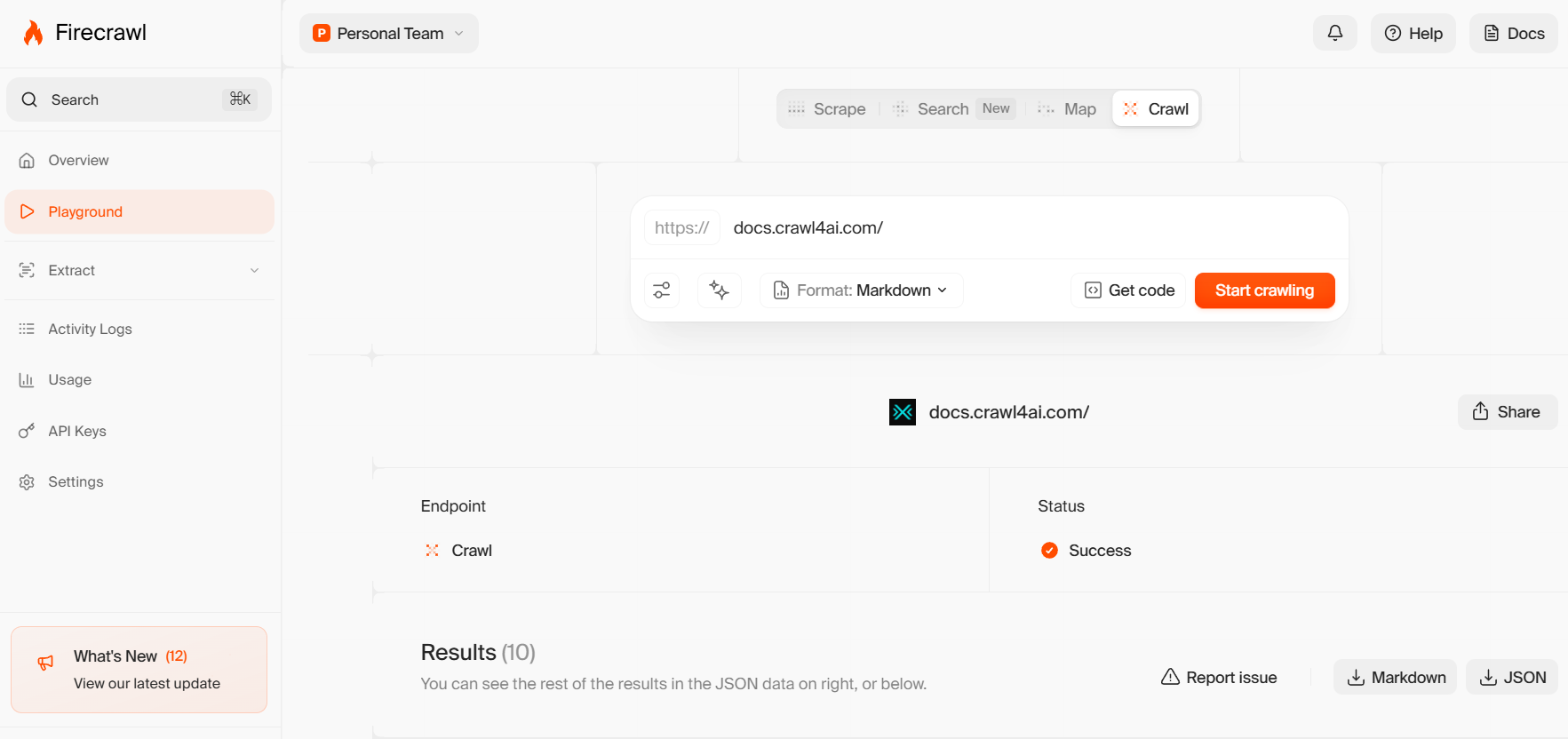
Firecrawl's core strength is converting messy web pages into clean Markdown or JSON that LLMs can consume directly. It strips headers, footers, and navigation elements, reducing token usage and improving model performance. If your pipeline needs Markdown from unprotected pages, Firecrawl handles that well.
Autonomous /agent Endpoint
The /agent endpoint is genuinely innovative. You describe the data you need and provide a schema, and the agent searches across multiple sources, navigates the web, and returns structured JSON with citations. For deep research tasks where you don't know the URLs in advance, this is a unique capability.
Open-Source Core
Firecrawl's core is open-sourced under AGPL-3.0, letting teams self-host and extend the tool. This gives you the option to avoid vendor lock-in if you have the engineering resources to maintain your own instance.
Downsides of Firecrawl
Unpredictable Credit-Based Pricing
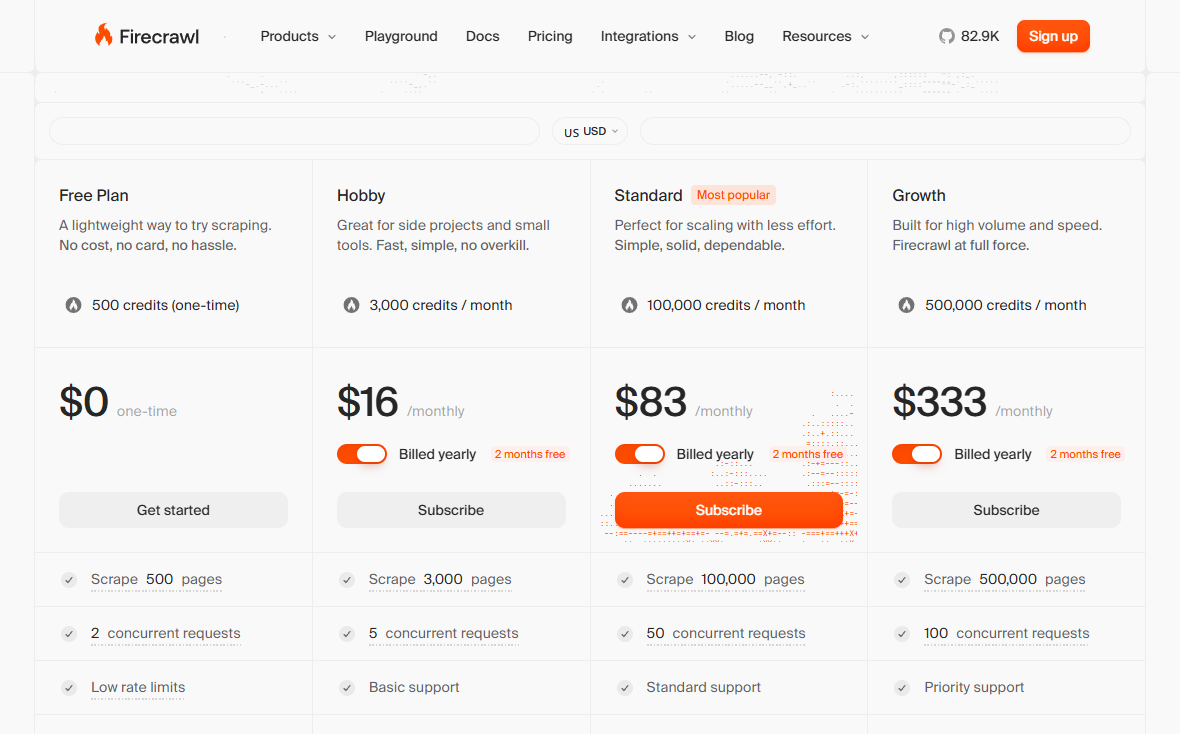
Firecrawl's pricing revolves around credits. The free plan gives you 500 one-time credits. Paid plans allocate monthly credits (3,000 on Hobby, 100,000 on Standard), but the real problem is what burns those credits.
The /agent endpoint consumed 100 to 1,500+ credits per query in a hands-on test, and there's no way to predict how many pages it will traverse beforehand. The /extract endpoint uses a separate token-based subscription on top of your credit plan. Large crawls burn through credits quickly, leading to unexpected overage fees.
Failed Anti-Bot Bypass
In a head-to-head comparison with JigsawStack, Firecrawl extracted data correctly from only 1 out of 6 tested websites. It frequently threw errors or returned false positives on blocked sites, and its proxy feature was flagged by bot detectors even in stealth mode. Users scraping Amazon, LinkedIn, or any site with serious anti-bot measures report consistent failures.
Social Media Scraping Blocked
Firecrawl intentionally blocks scraping major social media platforms. Attempting to scrape Instagram, YouTube, or TikTok returns an error: "This website is no longer supported." If your use case involves social media data, Firecrawl is a dead end.
No Advanced Configuration
Firecrawl doesn't support custom CSS selectors, browser dimensions, or HTTP headers. Power users who need fine-grained control over their scraping requests are stuck with Firecrawl's defaults, with no way to optimize for specific targets.
Developer-Only API
Firecrawl is built exclusively for developers. Support managers, content strategists, and data analysts cannot simply log in and start scraping. They need to know how to code, work with APIs, and write prompts for the /extract endpoint.
1. Scrape.do
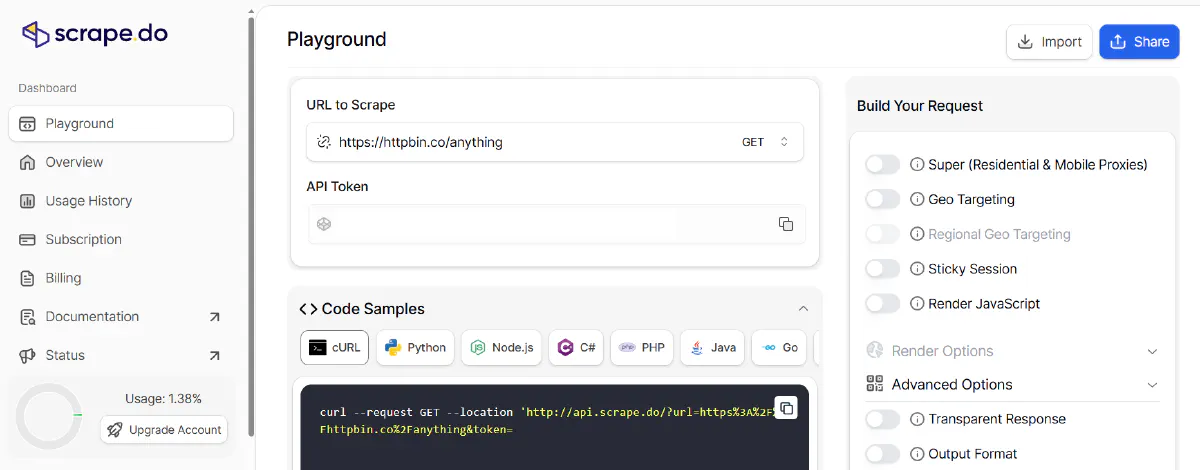
Scrape.do is the best alternative when you need reliable scraping with anti-bot bypass that actually works.
Where Firecrawl failed on 5 out of 6 protected sites, Scrape.do delivers a 98.19% success rate across the toughest domains with an average response time of 4.7 seconds. It doesn't block social media, doesn't gate features behind separate subscriptions, and doesn't burn through credits unpredictably.
Pros
- 98.19% success rate with 4.7s response time: Independently tested across Amazon, Indeed, GitHub, Zillow, Capterra, Google, and X (Twitter). Firecrawl's success on protected sites doesn't come close.
- Transparent pricing with no credit roulette: $0.80 average cost per 1K requests. The credit multiplier system (5x for rendering, 10x for premium proxies, 25x for both) is clearly documented and consistent across domains.
- Freemium plan with 1,000 monthly credits: No credit card required, credits refresh every month. Firecrawl's free tier gives you 500 one-time credits that never come back.
- No artificial restrictions: Scrape any website including social media platforms. No "This website is no longer supported" errors.
Cons
- No autonomous agent endpoint: Firecrawl's /agent is a unique feature for deep research tasks. Scrape.do focuses on reliable scraping rather than autonomous web navigation.
- No native LLM framework integrations: Doesn't have built-in LangChain or LlamaIndex connectors yet, though integration through the API is straightforward.
Firecrawl vs Scrape.do
Scrape.do wins decisively on reliability, speed, and pricing transparency. Firecrawl has the /agent endpoint and clean Markdown output for LLM pipelines. But if your primary need is actually scraping websites, especially protected ones, without burning through your budget, Scrape.do is the clear choice.
Check the in-depth comparison of Scrape.do vs Firecrawl or start free with Scrape.do and see the difference for yourself.
2. Crawl4AI
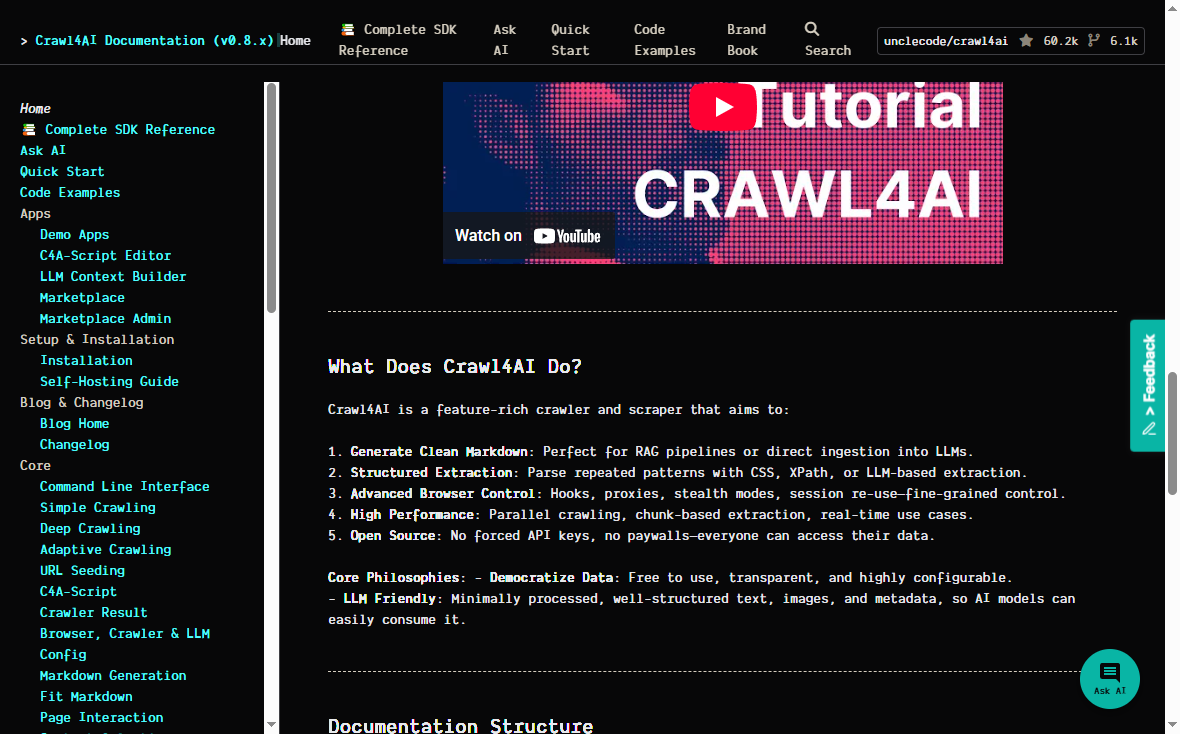
Crawl4AI is the #1 trending GitHub repository for web crawling, with 60K+ stars and an active open-source community. It's a Python-based crawler that produces LLM-ready Markdown, just like Firecrawl, but without credits, subscriptions, or vendor lock-in.
If Firecrawl's main appeal to you is clean Markdown for RAG pipelines, Crawl4AI delivers the same output format for free.
Pros
- Completely free and open source: Licensed under Apache 2.0 (more permissive than Firecrawl's AGPL-3.0). No credits, no tiers, no surprise invoices.
- LLM-ready Markdown output: Generates clean Markdown perfect for RAG pipelines or direct LLM ingestion, the same core value proposition as Firecrawl.
- Fine-grained control: Full access to CSS selectors, XPath, hooks, proxies, stealth modes, and session management. Everything Firecrawl locks behind its opaque API.
- Adaptive crawling: Intelligent algorithms that determine when sufficient information has been gathered, stopping crawls automatically to save resources.
Cons
- Self-hosted only (for now): No managed cloud service yet (cloud API is in closed beta). You need to run and maintain your own infrastructure.
- Requires Python expertise: Setting up browser configs, extraction strategies, and crawl pipelines requires solid Python knowledge. Steeper learning curve than Firecrawl's simple API calls.
Firecrawl vs Crawl4AI
Crawl4AI is the right choice if you want Firecrawl's LLM output without the credit-based pricing. You trade the convenience of a managed API for complete control and zero cost. If you have the engineering resources to self-host, Crawl4AI eliminates Firecrawl's biggest pain point: unpredictable costs.
3. Apify
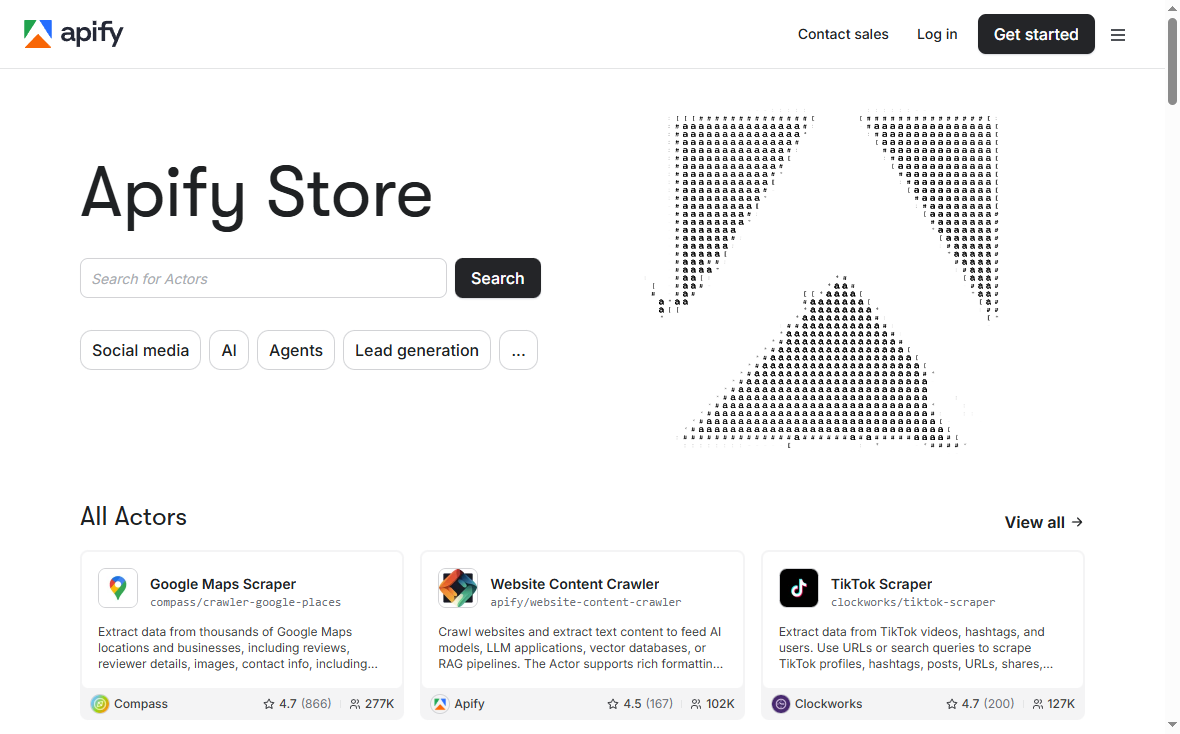
Apify is a full-stack web scraping and automation platform with a marketplace of 10,000+ pre-built tools called "Actors." While Firecrawl gives you a handful of endpoints, Apify gives you an entire ecosystem.
If your scraping needs go beyond simple page extraction and require scheduling, data storage, custom workflows, or platform-specific scrapers, Apify covers all of it.
Pros
- 10,000+ pre-built Actors: Ready-made scrapers for Amazon, Google Maps, TikTok, LinkedIn, and virtually every popular platform. No need to build from scratch.
- Custom code flexibility: Write your own Actors in Node.js or Python with full control over browser automation, proxies, and data pipelines.
- Built-in scheduling and storage: Automated runs, dataset storage, and webhook integrations. Firecrawl is just an API; Apify is an entire workflow platform.
Cons
- Compute-unit pricing: Charges are based on compute units rather than per-request, making cost prediction complex for newcomers.
- Steeper learning curve for custom Actors: Building your own scrapers requires understanding Apify's SDK, actor model, and deployment system.
- Can be slower: Benchmarks have shown Firecrawl processing crawls up to 50x faster than Apify for simple page scraping.
Firecrawl vs Apify
Apify is better when you need a complete scraping platform with pre-built solutions and custom workflows. Firecrawl is better when you need a simple API that returns clean Markdown for LLM pipelines. If you're scraping diverse targets with different requirements, Apify's marketplace approach saves significant development time.
4. JigsawStack
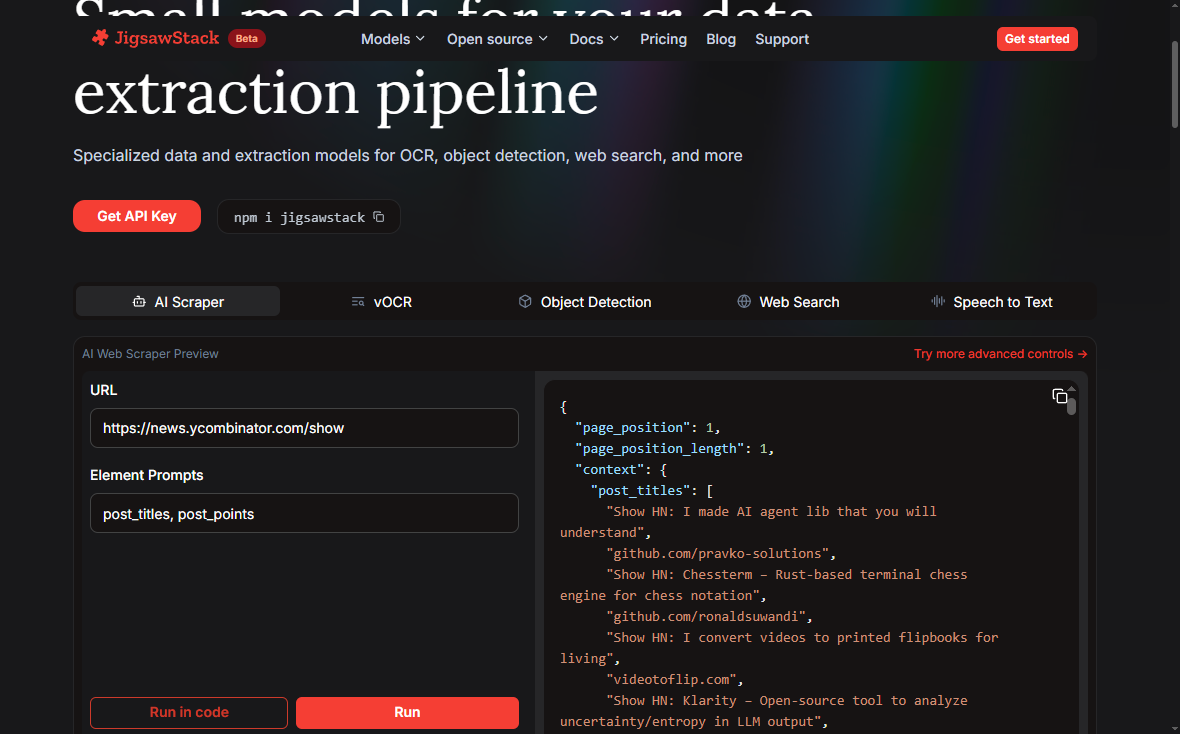
JigsawStack offers an AI-powered web scraper that successfully extracts data from sites where Firecrawl completely fails. In head-to-head testing, JigsawStack extracted data accurately from all 6 test sites while Firecrawl managed only 1.
If your biggest problem with Firecrawl is its inability to handle protected sites, JigsawStack is built specifically for that challenge.
Pros
- Superior extraction accuracy: Successfully scraped all 6 test sites where Firecrawl failed on 5. Supports automatic scrolling to load dynamic content, which Firecrawl doesn't.
- 10,000+ concurrent sessions: Compared to Firecrawl's maximum of 100 concurrent browsers on the Growth plan. Designed for large-scale operations.
- Full developer control: Custom CSS selectors, browser dimensions, HTTP headers, and built-in rotating proxies that bypass Cloudflare. Everything Firecrawl is missing.
- Prompt-based extraction: Like Firecrawl's /extract but with higher accuracy and automatic schema inference.
Cons
- Newer product: Smaller ecosystem and community compared to established tools like Apify or Firecrawl's growing user base.
- No site-wide crawling: Focused on AI-powered single-page extraction rather than full-site crawling and mapping.
Firecrawl vs JigsawStack
JigsawStack is the direct upgrade when Firecrawl's extraction and bypass capabilities aren't cutting it. It offers the same AI-powered extraction concept but with dramatically better reliability on protected sites and more developer control. Firecrawl still has the edge on crawling entire sites and the /agent endpoint.
5. Octoparse AI
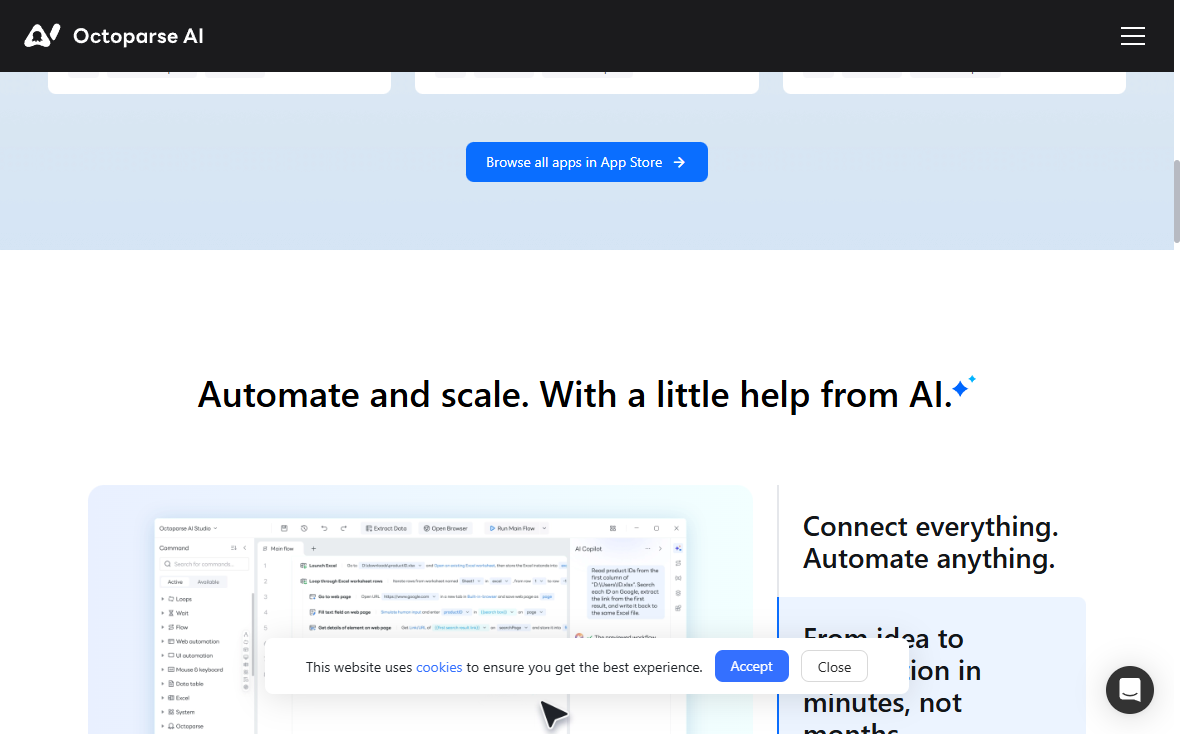
Octoparse AI takes a fundamentally different approach. Instead of an API that requires coding, it's a desktop-based RPA tool with an AI Copilot that turns plain-English instructions into working automations.
If Firecrawl's developer-only API is a bottleneck because your team includes non-technical users, Octoparse AI removes that barrier entirely.
Pros
- No-code visual builder: Drag-and-drop workflow editor where you describe what you want in natural language. No API knowledge, no coding, no prompts to engineer.
- Free forever core features: Unlimited basic workflows at no cost. Firecrawl's free tier gives you 500 one-time credits.
- Cross-platform automation: Connects web pages, Windows apps, and data files in a single workflow. Goes beyond just web scraping.
- Pre-built templates: Ready-made automations for Amazon, Google Maps, TikTok, and more. Similar to Apify's marketplace but with a visual interface.
- Built-in CAPTCHA and anti-bot handling: Native CAPTCHA solving, OCR, and AI-powered text processing embedded directly into workflows.
Cons
- Windows only: Currently only available on Windows. Mac and Linux users are out of luck.
- Desktop-based, not API-based: Runs locally rather than in the cloud. No programmatic API integration for automated pipelines.
- Not suitable for high-volume concurrent scraping: Being desktop-based means it can't match the throughput of cloud APIs like Scrape.do or Firecrawl.
Firecrawl vs Octoparse AI
Octoparse AI is the right choice for non-technical teams that need scraping without writing code. Firecrawl is better for developers building automated LLM pipelines. If your bottleneck is that only developers can scrape, Octoparse AI democratizes the process.
What to Pick?
- Scrape.do: Best overall for web scraping with unmatched anti-bot bypass, fastest response times, and transparent pricing. The direct upgrade from Firecrawl for anyone who needs reliable scraping.
- Crawl4AI: Best free, open-source alternative for teams building LLM pipelines who want Firecrawl's Markdown output without the credit-based pricing.
- Apify: Best full-stack platform for teams that need pre-built scrapers, custom workflows, scheduling, and data storage in one place.
- JigsawStack: Best for AI-powered extraction when you need to scrape protected sites that Firecrawl can't handle.
- Octoparse AI: Best for non-technical users who need visual, no-code scraping and automation without touching an API.
For most developers who are frustrated with Firecrawl's pricing, reliability, or restrictions, Scrape.do delivers a 98.19% success rate, 4.7-second response times, and transparent pricing starting at $29/month.
Lead Software Engineer








