Category:Scraping ToolsView as Markdown
2026's Best Walmart Scraper APIs (Benchmarked)

Lead Software Engineer


Walmart is the largest retailer in the US, and it's also one of the harder ecommerce sites to scrape reliably.
Part of that is the anti-bot stack. The bigger part is that Walmart doesn't have one price. Prices, stock, and pickup availability differ store to store, so a scrape that doesn't pin a store returns whichever shelf Walmart guessed for that request.
We tested 5 scraping APIs with dedicated Walmart parsers on product detail and search endpoints, then ran thousands of requests back to back to stress-test reliability at volume.
| API Provider | Success Rate | Product p50 | Product p99 | Search | Fields Filled | Store Pinning |
|---|---|---|---|---|---|---|
| Scrape.do | 99.7% | 2,250 ms | 5,898 ms | Yes | 24/26 | Yes |
| ScraperAPI | 99.1% | 4,746 ms | 25,360 ms | Yes | 19/26 | No |
| ScrapingDog | 98.8% | 4,781 ms | 20,812 ms | Yes | 19/26 | No |
| ZenRows | 97.9% | 4,716 ms | 17,117 ms | No | 15/26 | No |
| Bright Data | 97.1% | 13,605 ms | 35,500 ms | No endpoint | 24/26 | No |
Table updated August 24, 2026. Product p50/p99 = median and 99th-percentile response time. Fields Filled = canonical product fields returned on at least half of responses, out of 26. Search = whether the search endpoint returns parsed results rather than raw HTML.
All five land above 97% on success rate, so reliability isn't what separates them at this tier. Speed, field coverage, and store scoping are.
1. Scrape.do
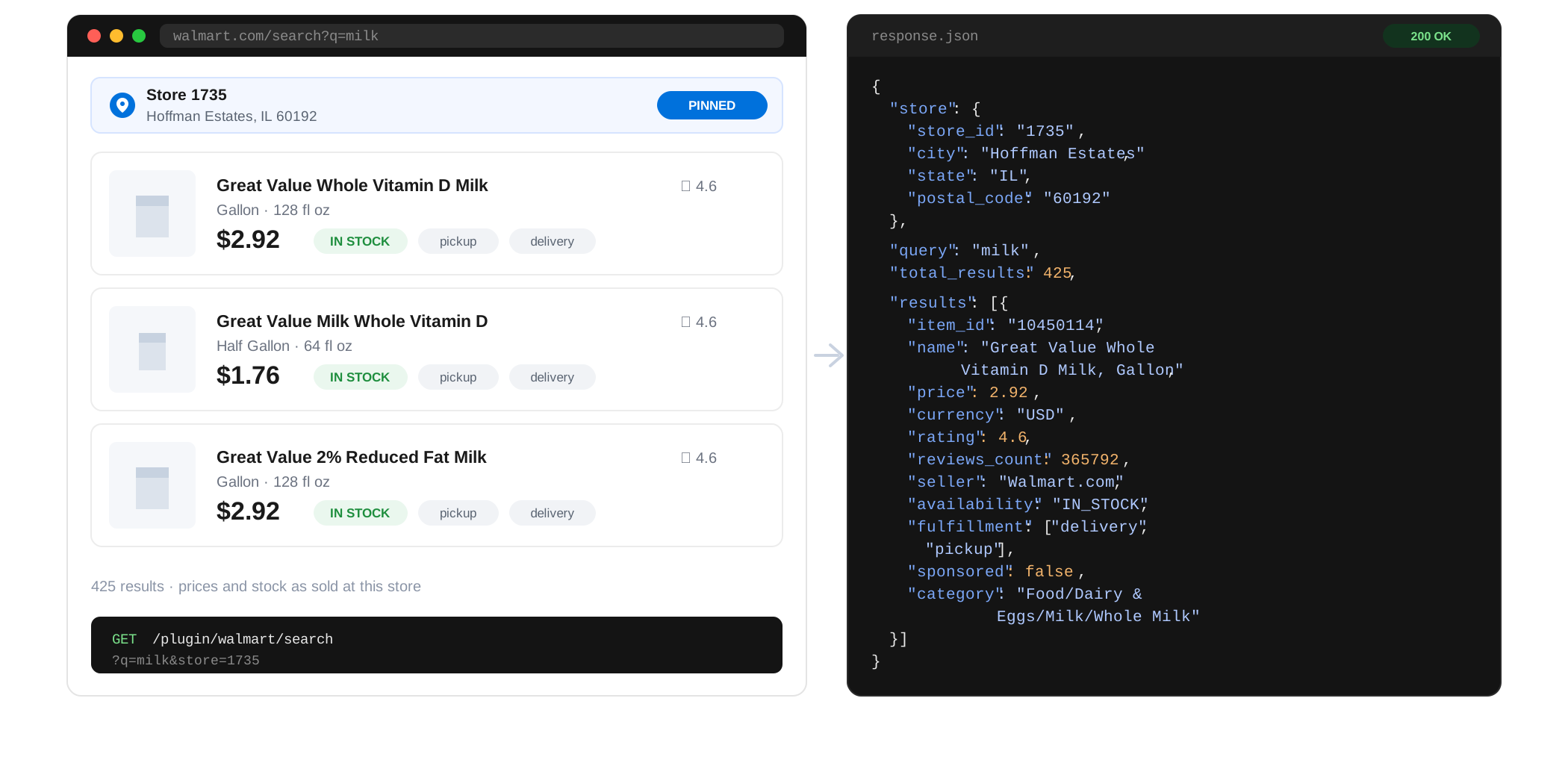
The Scrape.do Walmart Scraper API returns structured product and search data from Walmart.com, with every request pinned to a store you choose.
It covers three endpoints: /search for keyword results, /product for a single item's full record, and /store for fetching any Walmart URL through a store-warmed session when you'd rather have the raw page.
What separates it from the rest of this list is store targeting. Pass a store id when you're tracking fixed locations over time, or a zipcode when you want to model what a shopper in that area sees. Every response reports the store it reflects, in both the body and a response header, so results stay reproducible across runs.
In our tests, Scrape.do achieved a 99.7% success rate with a 2,250 ms median response time, the fastest of the five by roughly 2x on the median and 3-6x on the tail.
That tail number is the one worth dwelling on. Scrape.do's p99 of 5.9 seconds is lower than ScraperAPI's and ScrapingDog's p90. Its slowest request in the sample was 5.9 s; theirs were 25.4 s and 20.8 s. For any pipeline with a per-request timeout, that's the difference between a clean run and a retry queue.
Why Choose Scrape.do Walmart API
- Fastest, with the tightest tail: 2,250 ms median and 5,898 ms p99. No other provider tested kept its worst-case under 17 seconds.
- Only option with store pinning: In a 120-request probe across 6 US markets, 3 of 20 items priced differently by location, with a maximum spread of 20.6%. Without pinning, that swing lands in your data attributed to the wrong store.
- Search results that actually carry a price: 100% of search results came back with a usable price, against 48% for ScraperAPI and 44% for ScrapingDog. Store pinning is why: without a store, Walmart often won't commit to a price and there's nothing for a parser to read.
- Widest field coverage, tied: 24 of 26 canonical fields filled on at least half of responses, matching Bright Data at a fraction of the latency.
- Smallest payloads: 6.7 KB per product response carrying the same specifications and images as competitors at 18-26 KB.
- Pay only for results: 10 credits per successful request, and failed requests are never charged.
Two gaps worth stating plainly: it never returns list_price, so pre-discount pricing isn't available for markdown tracking, and it doesn't return review bodies. Four competitors return both.
Full parameter and response reference lives in the Scrape.do Walmart Scraper Docs, and there's a step-by-step build in our Walmart scraping guide.
Start free with Scrape.do and test on Walmart with 1000 free credits
2. ScraperAPI
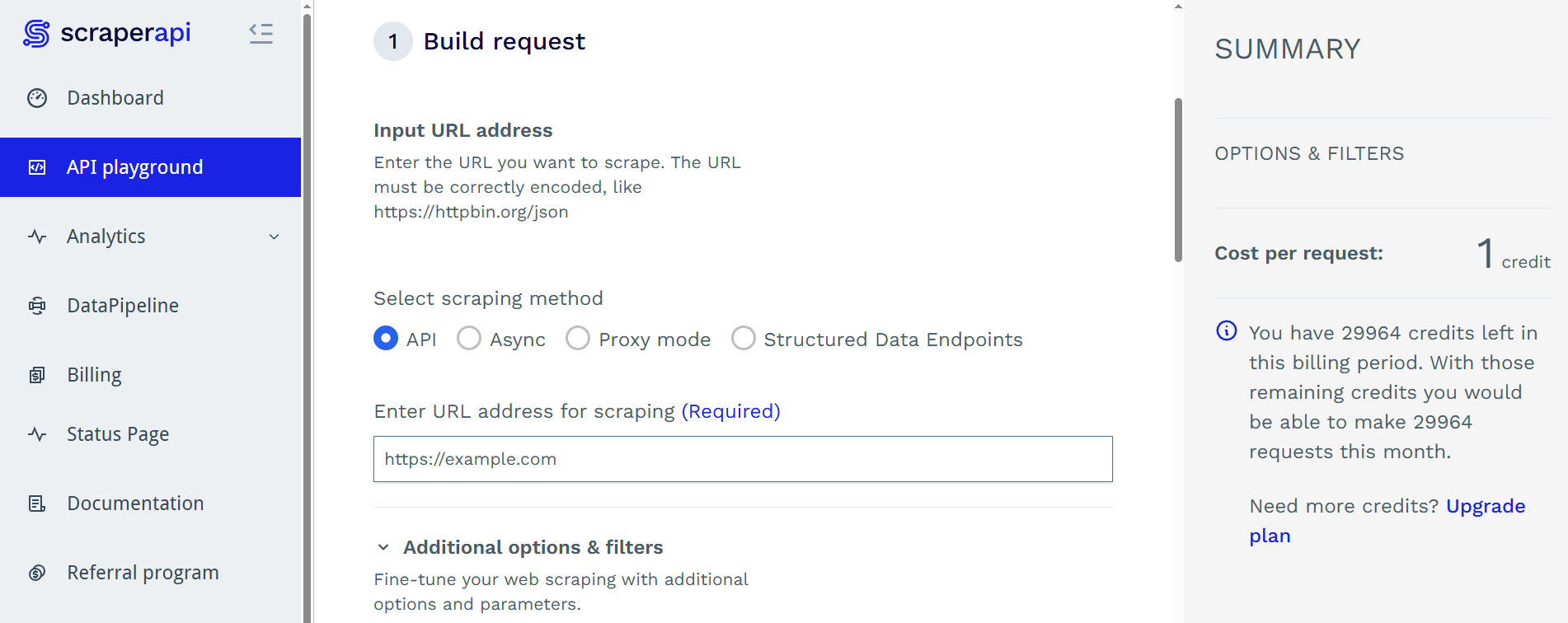
ScraperAPI offers a structured Walmart endpoint for both product pages and search results, and it was the second most reliable provider in our testing.
Its parser is solid on the fundamentals and it's the only provider that returned brand on 100% of search results, where Scrape.do managed 10%. If brand-level search aggregation is the job, that alone may decide it.
It also returns list_price on roughly 47% of items and ships review bodies on about 93%, both of which Scrape.do omits entirely.
In our tests, ScraperAPI achieved a 99.1% success rate with a 4,746 ms median, though its p99 stretched to 25,360 ms, the widest gap between median and tail of any provider tested.
Why Choose ScraperAPI Walmart API
- Review bodies and list price: The combination Scrape.do is missing. If you're tracking discounts or mining review text, this is the more complete payload.
- Brand on every search result: 100% fill on a field most competitors barely populate.
- Solid reliability: 99.1% at volume, second best in the group.
- Watch the tail: A 25-second p99 means per-request timeouts need to be generous or your retry logic needs to be good.
3. ScrapingDog
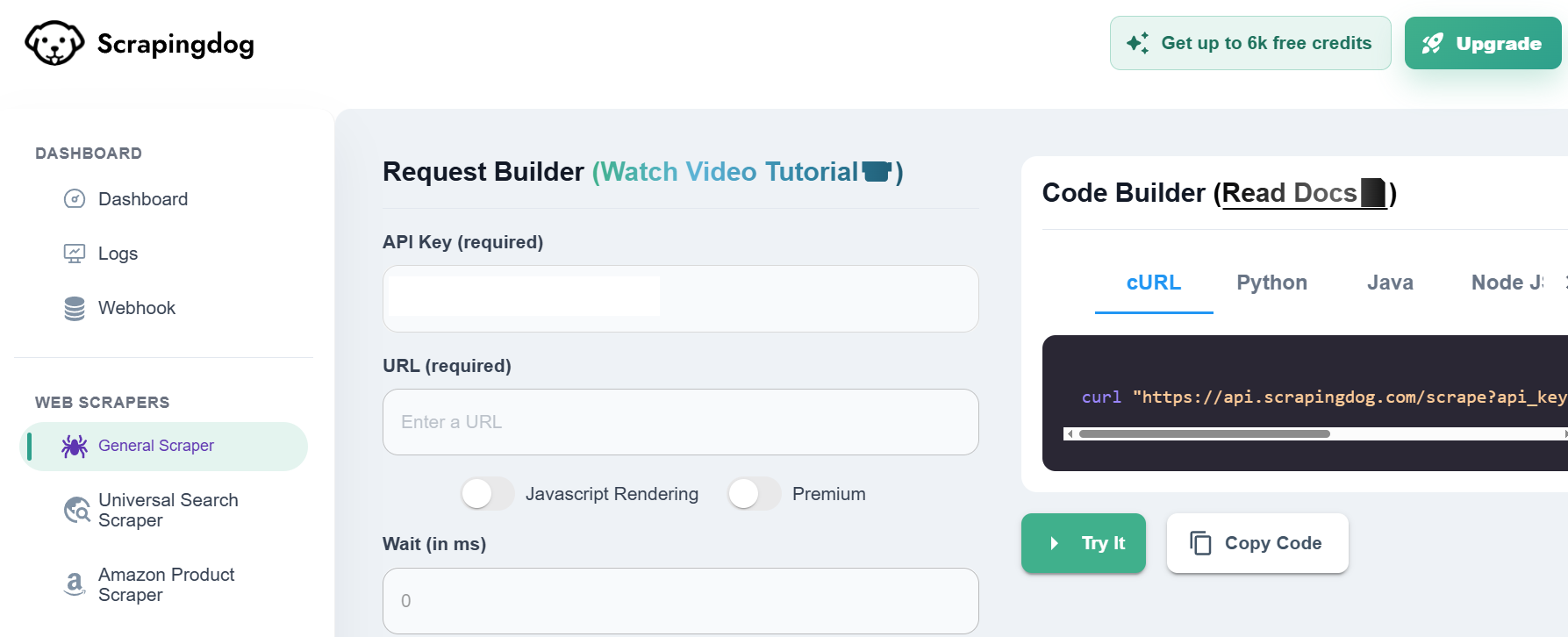
ScrapingDog returns the deepest search results of any provider tested: an average of 69 results per response, against Scrape.do's 29.
The caveat is what's in those rows. ScrapingDog includes Walmart's merchandising carousels ("4 stars and above", "trending") alongside actual keyword matches, and those extra rows arrive without price, category, or position. More rows, less signal per row, and you'll want to post-filter them yourself.
On product pages it returns full review payloads on 100% of items, the best review coverage in the group, plus list_price on about 47%.
In our tests, ScrapingDog achieved a 98.8% success rate with a 4,781 ms median and a 20,812 ms p99.
Why Choose ScrapingDog Walmart API
- Most search rows returned: 69 per response if raw coverage matters more than per-row completeness.
- Best review coverage: Full review payloads on every product tested.
- Missing several product fields: No
seller_type,fulfillment,highlights,upc, orreturn_policy, landing it at 19 of 26 fields filled.
4. ZenRows
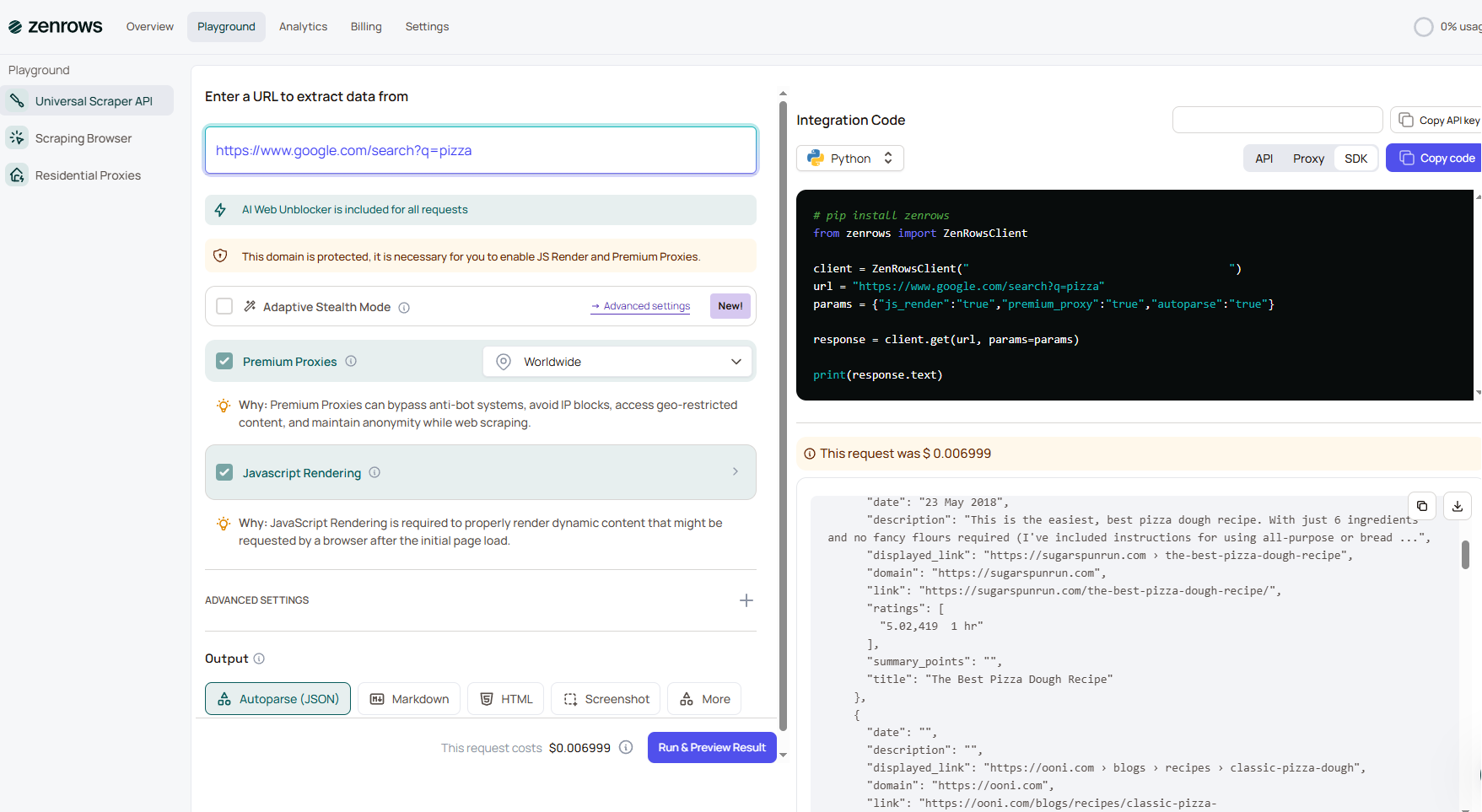
ZenRows has a working Walmart product parser, but it's the thinnest schema of the five by a wide margin.
Across every product response it returned a fixed 16-key object and never once included specifications, an images array, seller, category, fulfillment, or descriptions beyond a single blob. It's a price-and-rating feed, not a product record.
More importantly, it has no Walmart search parser. All 30 search requests succeeded at the HTTP level and were billed, but returned Walmart's raw page state, a 1.14 MB blob you have to mine yourself. That's 52x the payload of Scrape.do's structured search response for zero structured results.
In our tests, ZenRows achieved a 97.9% success rate with a 4,716 ms median.
Why Choose ZenRows Walmart API
- Fine if you only need price and rating: The product endpoint is reliable for those two fields.
- No usable search: 0 of 30 search requests returned structured results, while still consuming credits at a 25x multiplier.
- Thinnest product schema: 15 of 26 fields, missing most of what makes a product record useful.
5. Bright Data
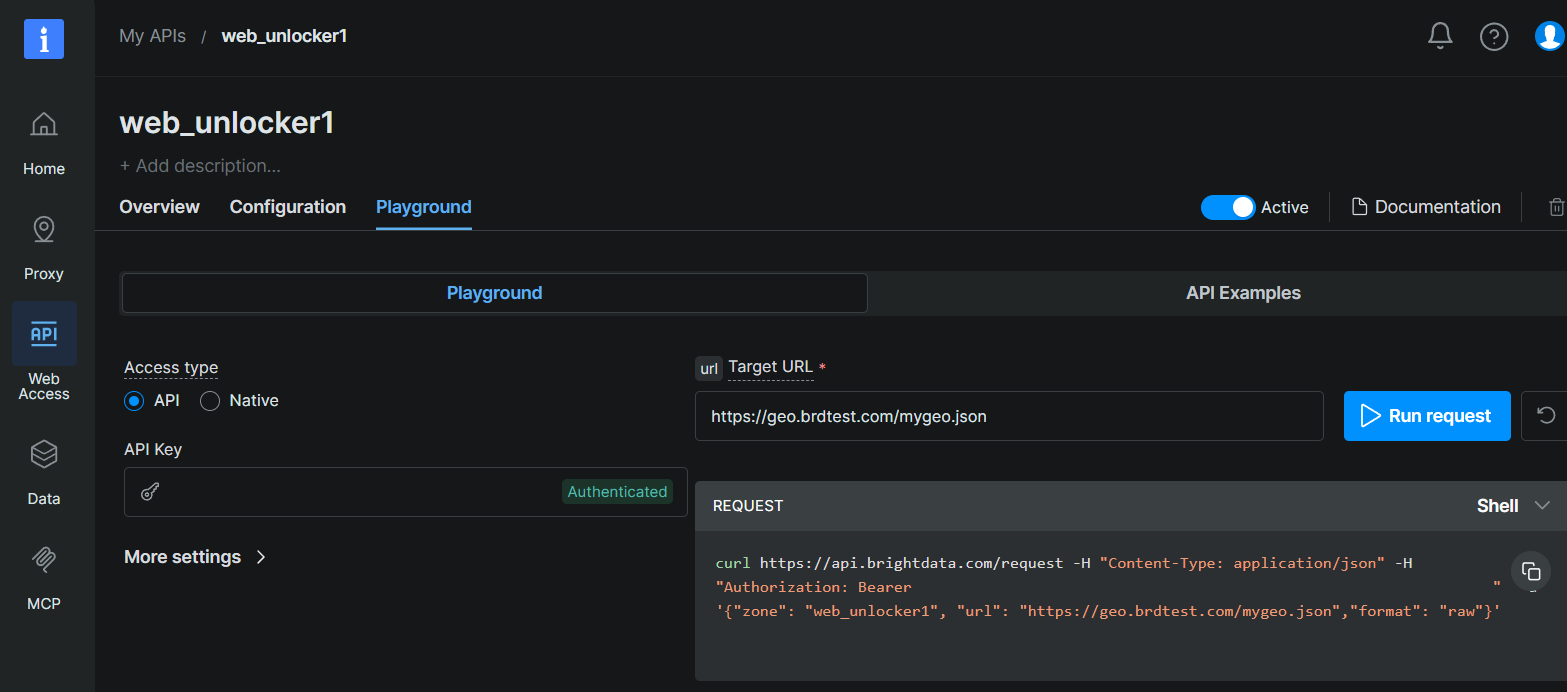
Bright Data returns the richest raw Walmart schema of anything tested: roughly 90 top-level keys including store_id, order_limit, nutrition information, variant details, and review images.
If you need maximum attribute breadth and can absorb the latency, nothing else here carries as much per response.
The latency is the problem. Bright Data's median was 13,605 ms and its p99 reached 35,500 ms, roughly 6x slower than Scrape.do on the median. Two of 70 product requests returned HTTP 202 after exactly 60 seconds, meaning the synchronous scrape didn't finish inside its window and the body came back as a status envelope instead of data. Both items were returned instantly and correctly by every other provider.
It also has no Walmart search endpoint, so keyword work has to go elsewhere.
In our tests, Bright Data achieved a 97.1% success rate.
Why Choose Bright Data Walmart API
- Widest attribute breadth: ~90 fields including nutrition, variants, and review images that no other provider returns.
- Ties for field coverage: 24 of 26 canonical fields, matching Scrape.do.
- Slowest by a wide margin: 13.6 s median, 35.5 s p99, with occasional 60-second timeouts.
- No search endpoint: Product pages only.
What to Pick
After testing all five providers on Walmart product and search endpoints, here's how they stack up:
Best overall: Scrape.do combines the highest success rate (99.7%) with the fastest response times (2,250 ms median, 5,898 ms p99) and the widest field coverage. It's also the only provider that lets you choose which store's shelf you're reading, which matters more on Walmart than on any other US retailer.
Best for regional price work: Scrape.do, by default, because it's the only option. If you're doing MAP monitoring or regional price intelligence, a 20% price swing attributed to the wrong store is worse than no data at all.
Best for review data and discounts: ScraperAPI returns both review bodies and list_price, the two things Scrape.do doesn't. Choose it if markdown tracking or review mining is the core job.
Best for search depth: ScrapingDog returns 69 results per response if you want maximum coverage and are willing to filter merchandising carousels yourself.
Best for attribute breadth: Bright Data's ~90-field schema carries nutrition data, variants, and review images nobody else returns. Only worth it if you can tolerate a 13-second median.
Avoid for search: ZenRows has no Walmart search parser. Requests succeed, get billed at a 25x multiplier, and return 1.14 MB of unparsed HTML.
For most Walmart scraping projects, Scrape.do delivers the best combination of speed, reliability, and store accuracy. The sub-6-second p99 keeps pipelines predictable, and store pinning is the difference between price data you can reproduce and price data you can't.
Lead Software Engineer








