
Belk Scraper
Scrape Products and Prices from Belk
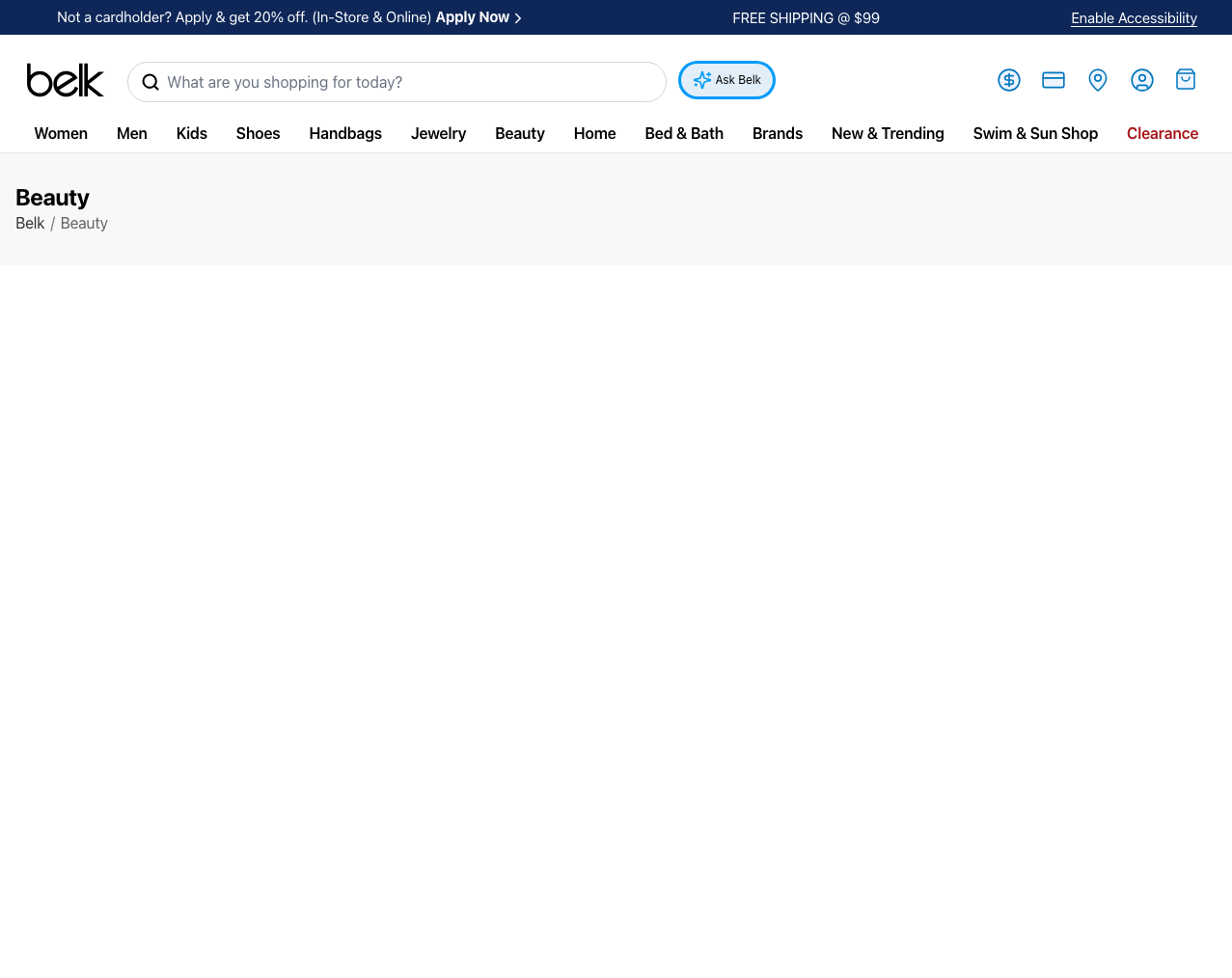
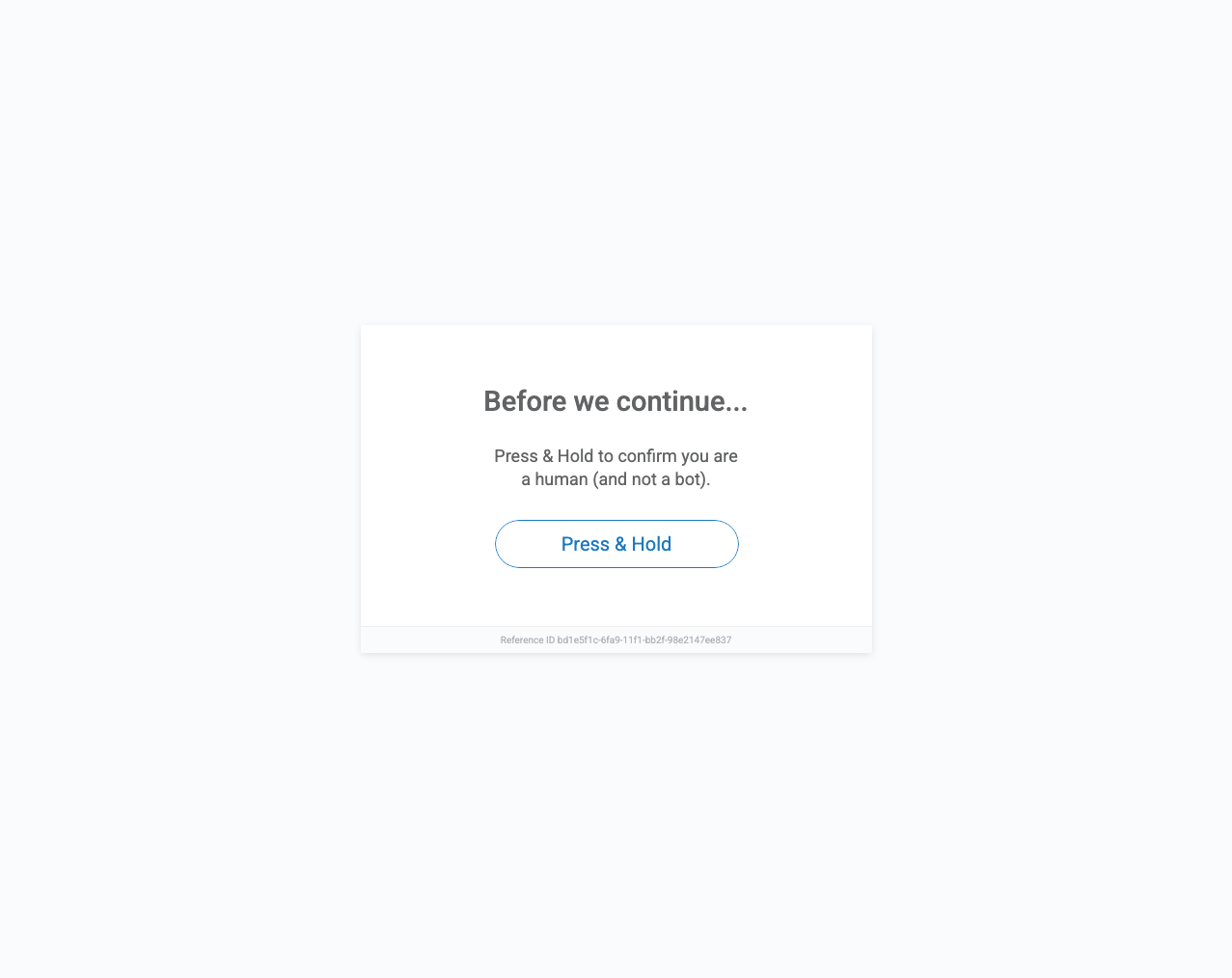
Extract product prices, clearance markdowns, and stock availability from the largest privately owned department store chain in the U.S. Belk sits behind PerimeterX (HUMAN) bot defense, so a plain request returns a 'Press & Hold' challenge instead of the page. Scrape.do handles it automatically.
Start scraping today with 1000 free credits. No Credit Card Required
12.7M Monthly Visits. Every Department. One API.
Belk is the largest privately owned department store chain in the United States, pulling in over 12.7 million monthly visits and ranking #6 in the U.S. Ecommerce & Shopping category on SimilarWeb. Across roughly 290 stores and belk.com, it lists hundreds of thousands of SKUs spanning apparel, shoes, handbags, jewelry, beauty, and home — and it discounts aggressively, with clearance and "comp. value" markdowns on a huge share of the catalog.
With Scrape.do you can track pricing and clearance markdowns across brands and categories, monitor stock availability and size/color variants, feed LLMs and AI agents with real-time department-store data, and run large-scale assortment and promo analysis. All through a single API call.
PerimeterX Bot Defense. Press & Hold Challenge. Handled.
Belk runs on a Fastly edge with PerimeterX (now HUMAN Security) bot management. Hit a product or category URL with a normal HTTP client and you get a 403 with a "Press & Hold to confirm you are a human" challenge — no price, no SKU, no catalog, just a Reference ID. PerimeterX fingerprints TLS, headers, and behavior, then blocks datacenter IPs and naive automation on sight.
Scrape.do rotates high-quality residential IPs and presents a clean browser fingerprint, so requests sail past the Press & Hold gate and return the real HTML. No proxy lists, no challenge solvers, no maintenance — just add super=true and pull product data at roughly $1 per 1,000 requests.
How to Scrape Belk
Select a Target
Send API Request
import requests
import urllib.parse

token = "<SDO-token>"
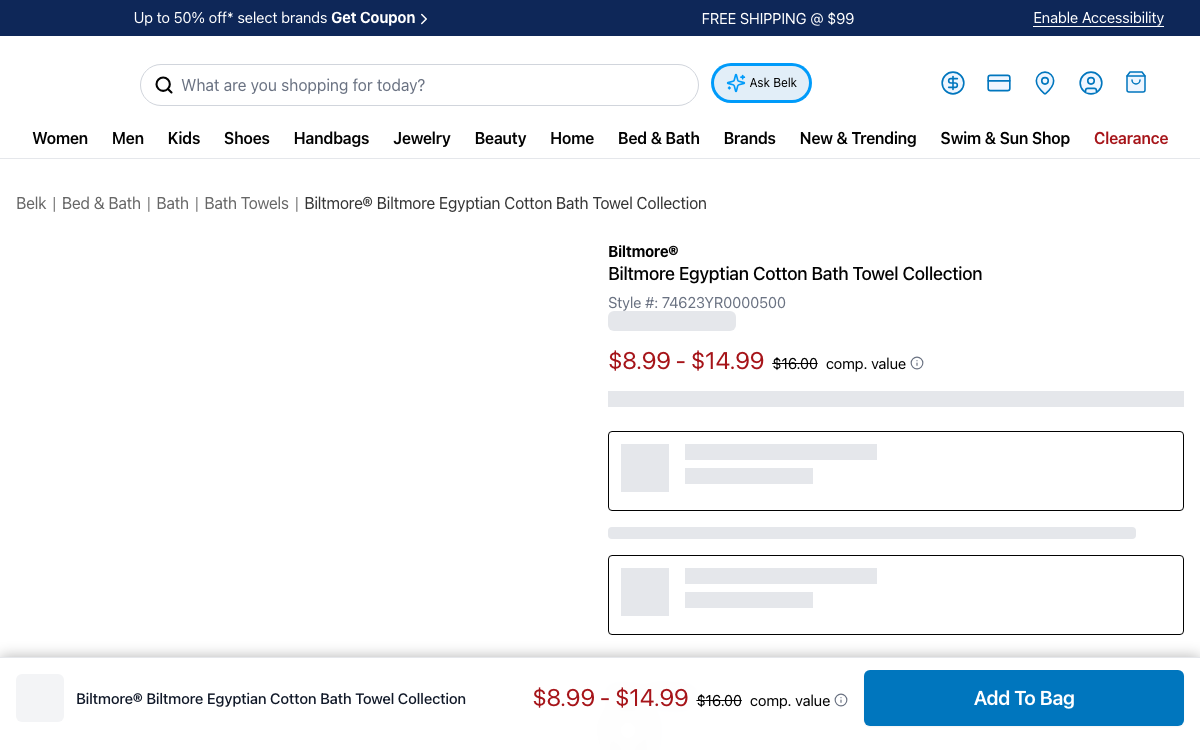
targetUrl = "https://www.belk.com/p/biltmore-biltmore-egyptian-cotton-bath-towel-collection/920049011747098.html"
render = "false"  # set to "true" to enable JavaScript rendering
super = "true"  # set to "false" to disable residential proxies
geoCode = "US"

encodedUrl = urllib.parse.quote(targetUrl)
url = f"https://api.scrape.do/?token={token}&url={encodedUrl}&render={render}&super={super}&geoCode={geoCode}"

response = requests.get(url)

print(response.text)Get HTML
<!DOCTYPE html>
<html lang="en">
<head>
<meta charset="utf-8">
<title>Biltmore® Biltmore Egyptian Cotton Bath Towel Collection | Belk</title>
</head>
<body>
<nav class="breadcrumb">
<a href="/">Belk</a> / <a href="/bed-bath">Bed & Bath</a> /
<a href="/bed-bath/bath">Bath</a> / <span>Bath Towels</span>
</nav>
<div class="product-name">
<span class="brand-name">Biltmore®</span>
<h1>Biltmore Egyptian Cotton Bath Towel Collection</h1>
<span class="product-number">Style #: 74623YR0000500</span>
</div>
<div class="product-price">
<span class="sales-price">$8.99 - $14.99</span>
<span class="standard-price">$16.00</span>
<span class="comp-value">comp. value</span>
</div>
<div class="product-attributes">
<div class="swatch-group" data-attribute="color">
<button class="swatch" data-value="White"></button>
<button class="swatch" data-value="Linen"></button>
<button class="swatch" data-value="Charcoal"></button>
</div>
<div class="size-group" data-attribute="size">
<button class="size-tile">Wash Cloth</button>
<button class="size-tile">Hand Towel</button>
<button class="size-tile">Bath Towel</button>
</div>
</div>
<div class="product-availability">
<span class="availability-msg in-stock">In Stock</span>
<span class="fulfillment">Ship to Home</span>
<span class="fulfillment">Free Store Pickup</span>
</div>
<div class="product-images">
<img src="https://belk.scene7.com/is/image/Belk/74623YR0000500_1">
<img src="https://belk.scene7.com/is/image/Belk/74623YR0000500_2">
</div>
<button class="add-to-bag">Add To Bag</button>
<!-- ... remaining page content ... -->
</body>
</html>
Scrape.do has been a game-changer with powerful scraping tools, but what truly sets them apart is their excellent customer support.

CTO


Average Response Time
No tickets connect with expert engineers.

Success rate

Ethically sourced proxies

Faster gateway than the closest competitor.





Reliable, Scalable,Unstoppable Web Scraping
Sounds great, but I have a few questions..
Yes. Scrape.do routes requests through rotating residential IPs with a clean browser fingerprint, so they pass Belk's PerimeterX (HUMAN) "Press & Hold" challenge instead of getting a 403. Success rates exceed 95% on product and category pages — just set super=true.
You can extract product titles, brand names, style numbers, sale prices and "comp. value" pricing, clearance markdowns, color and size variants, stock availability, fulfillment options, product images, customer ratings, and full category and brand listings.
No. Belk serves the product HTML — title, price, and style number — in the initial response, so super=true alone returns the data you need at the lowest cost tier. Add render=true only if you want JavaScript-loaded extras like the full image gallery or lazy-loaded recommendation rows.






