
AJIO Scraper
Scrape Prices and Availability from AJIO
Extract fashion pricing, discounts, and stock from Reliance Retail's flagship fashion marketplace. AJIO sits behind Akamai and blocks bots and datacenter proxies. Scrape.do handles it automatically.
Start scraping today with 1000 free credits. No Credit Card Required
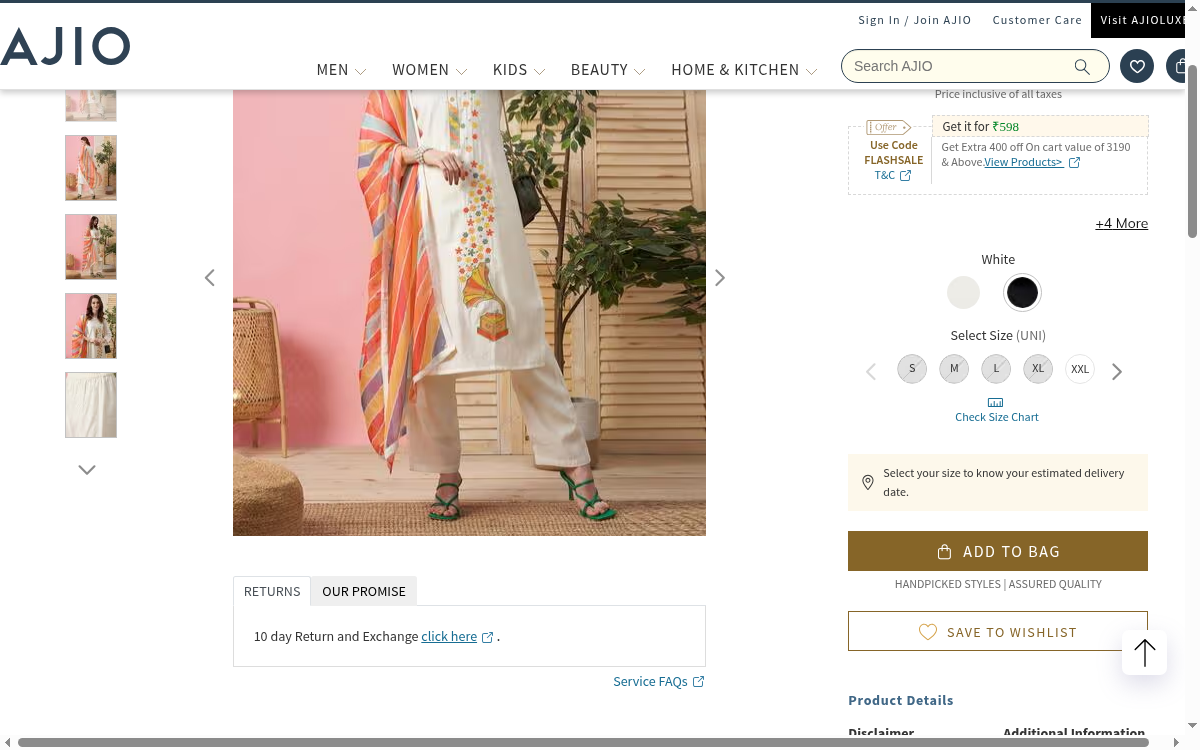
27.5M Monthly Visits. 1.3M+ Styles. One API.
AJIO is the #2 fashion site in India with over 27 million monthly visits, offering 1.3 million-plus styles from 5,000+ brands as Reliance Retail's online fashion arm. Prices, discounts, and drops move constantly across exclusive international labels, owned brands, and homegrown designers, which is exactly what price-tracking and assortment scrapers watch.
With Scrape.do you can track fashion pricing and discounts across 1.3M+ styles, monitor brand and category assortment, capture new-arrival and drop signals, and benchmark against Myntra, Nykaa Fashion, and Amazon Fashion India. All through a single API call.
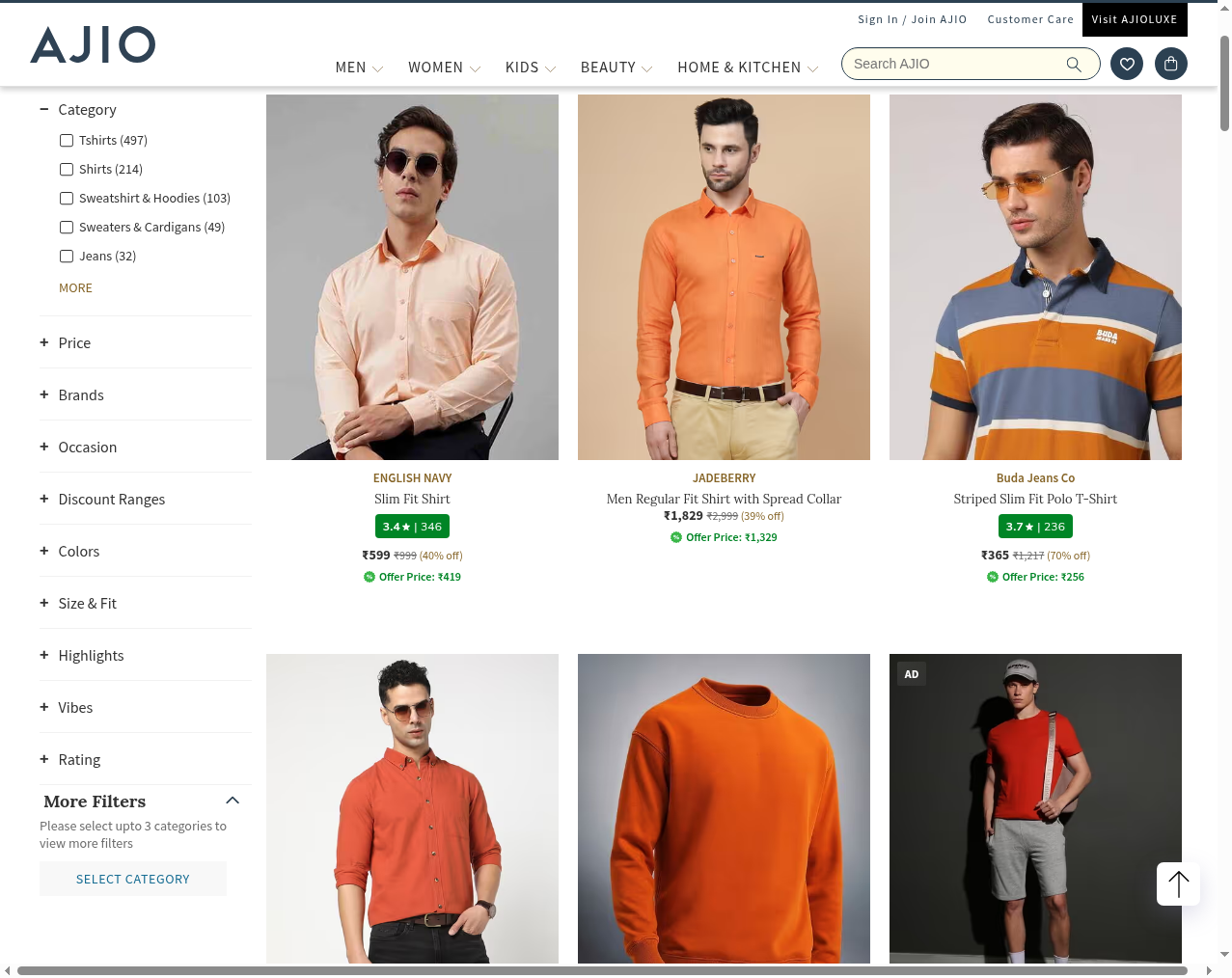
Akamai. Access Denied. Handled.
AJIO sits behind Akamai, which returns an Access Denied reference page from errors.edgesuite.net to any request that is not a real browser, including Python requests, cURL, and datacenter proxies. Product and category pages are also JavaScript-rendered, so even past the block a raw fetch returns a loading skeleton with no prices.
Scrape.do rotates high-quality residential IPs with full browser fingerprints, passes Akamai’s bot detection, and renders the JavaScript so you receive fully populated product and category HTML. You get clean pricing and availability data without maintaining proxy pools or headless browsers.
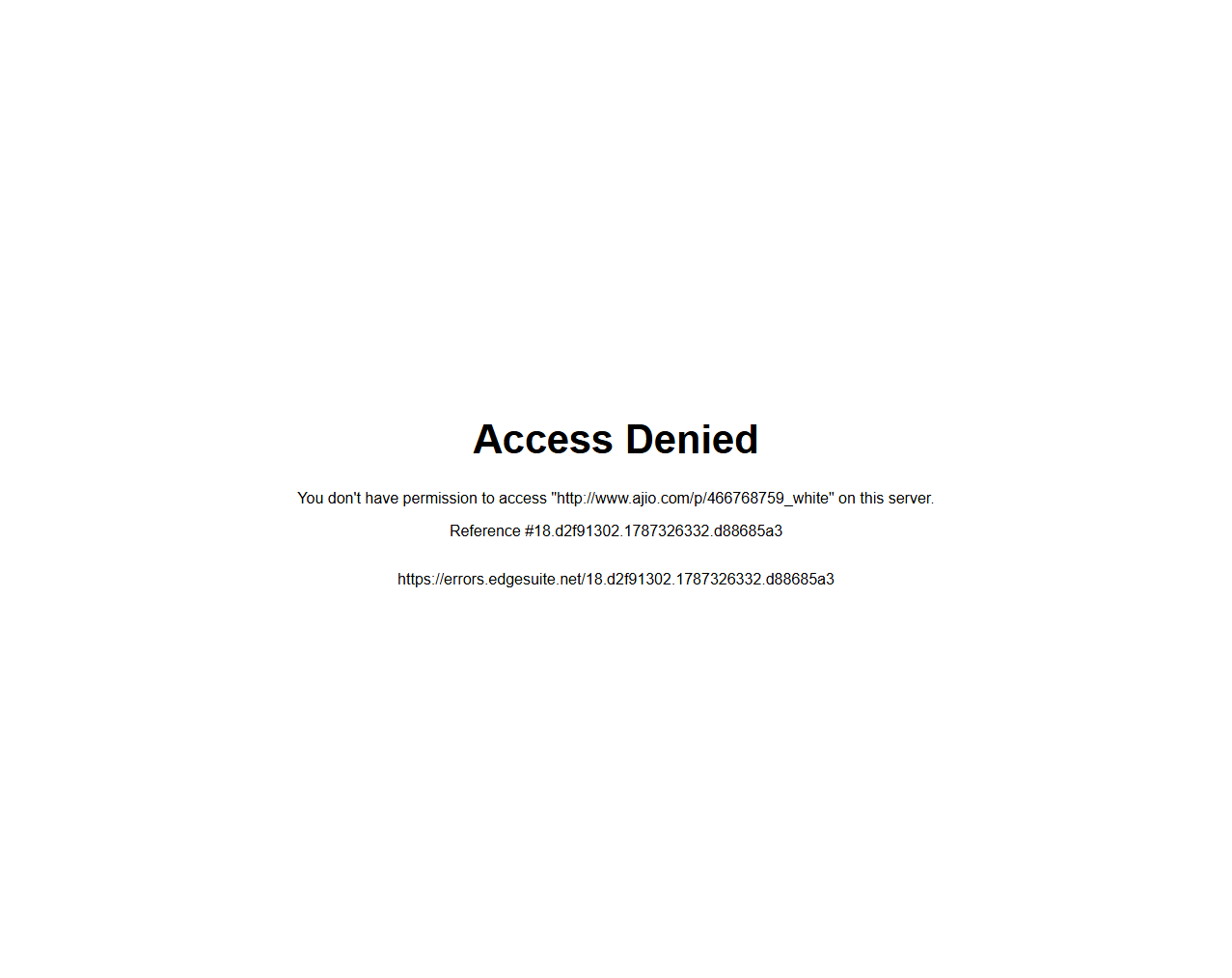
How to Scrape AJIO
Select a Target
Send API Request
import requests
import urllib.parse

token = "<SDO-token>"
targetUrl = "https://www.ajio.com/p/466768759_white"
render = "true"  # set to "false" to disable JavaScript rendering
super = "true"  # set to "false" to disable residential proxies
geoCode = "in"

encodedUrl = urllib.parse.quote(targetUrl)
url = f"https://api.scrape.do/?token={token}&url={encodedUrl}&render={render}&super={super}&geoCode={geoCode}"

response = requests.get(url)

print(response.text)Get HTML
<!DOCTYPE html>
<html lang="en">
<head>
  <meta charset="utf-8">
  <title>Kurta Suit Set - AJIO</title>
</head>
<body>
  <h1 class="prod-name">Printed Kurta Suit Set with Dupatta</h1>
  <div class="price-container">
    <span class="offer-price">₹598</span>
    <span class="offer-code">Use Code FLASHSALE</span>
  </div>
  <div class="color-options" data-selected="White">White (+4 more)</div>
  <div class="size-container">
    <button class="size">S</button><button class="size">M</button>
    <button class="size">L</button><button class="size">XL</button>
    <button class="size">XXL</button>
  </div>
  <button class="add-to-bag">ADD TO BAG</button>
  <!-- ... remaining page content ... -->
</body>
</html>
Scrape.do has been a game-changer with powerful scraping tools, but what truly sets them apart is their excellent customer support.

CTO


Average Response Time
No tickets connect with expert engineers.

Success rate

Ethically sourced proxies

Faster gateway than the closest competitor.







Reliable, Scalable,Unstoppable Web Scraping
Sounds great, but I have a few questions..
Yes. ajio.com sits behind Akamai, which returns an Access Denied reference page from errors.edgesuite.net to any request that is not a real browser, including Python requests, cURL, and datacenter proxies. Scrape.do rotates real residential IPs with full browser fingerprints, passes Akamai bot detection, and renders JavaScript to return fully populated product and category HTML. Success rates exceed 95% on product and category pages.
You can extract product names, offer and original prices, discount codes, color and size variants, brand names, stock and availability, customer ratings, and full category listings across 1.3M+ styles in fashion, beauty, and home.
Yes. AJIO product and category pages load prices and details client-side, so a plain request returns a loading skeleton. Use Scrape.do with render=true and super=true to pass Akamai and execute the page JavaScript in a real browser, and set geoCode=in for India-local pricing.






