# HTML to Markdown Converter: Free and LLM-Ready
> Source: https://scrape.do/tools/html-to-markdown/
Convert HTML to clean Markdown in your browser. Paste HTML or drop a file, keep tables and links, drop scripts and menus, and count tokens. Free.
Paste HTML or drop an .html file and get clean Markdown back as you type. The converter strips scripts, styles, menus and footers, keeps headings, tables, links and images, and shows how many tokens you saved. It runs in your browser, so nothing you paste is uploaded.
## How to convert HTML to Markdown
1. **Paste the HTML.** Open the page, view the source (Ctrl+U on Windows and Linux, Cmd+Option+U on a Mac), copy everything and paste it into the HTML box. You can also drop an `.html` file on the box or use Open file.
2. **Pick what to keep.** The defaults remove scripts, styles, navigation, the site header and the footer, and keep links, images and tables. Turn on Main content only when the page has a `` or `` and you want nothing else.
3. **Copy or download.** The Markdown updates as you type. Check it in the Preview tab, then copy it or download it as an `.md` file named after the page title.
Relative links and image paths are turned into full URLs. The converter reads the base URL from the page's canonical tag, and you can type your own in Base URL.

## What gets cleaned up
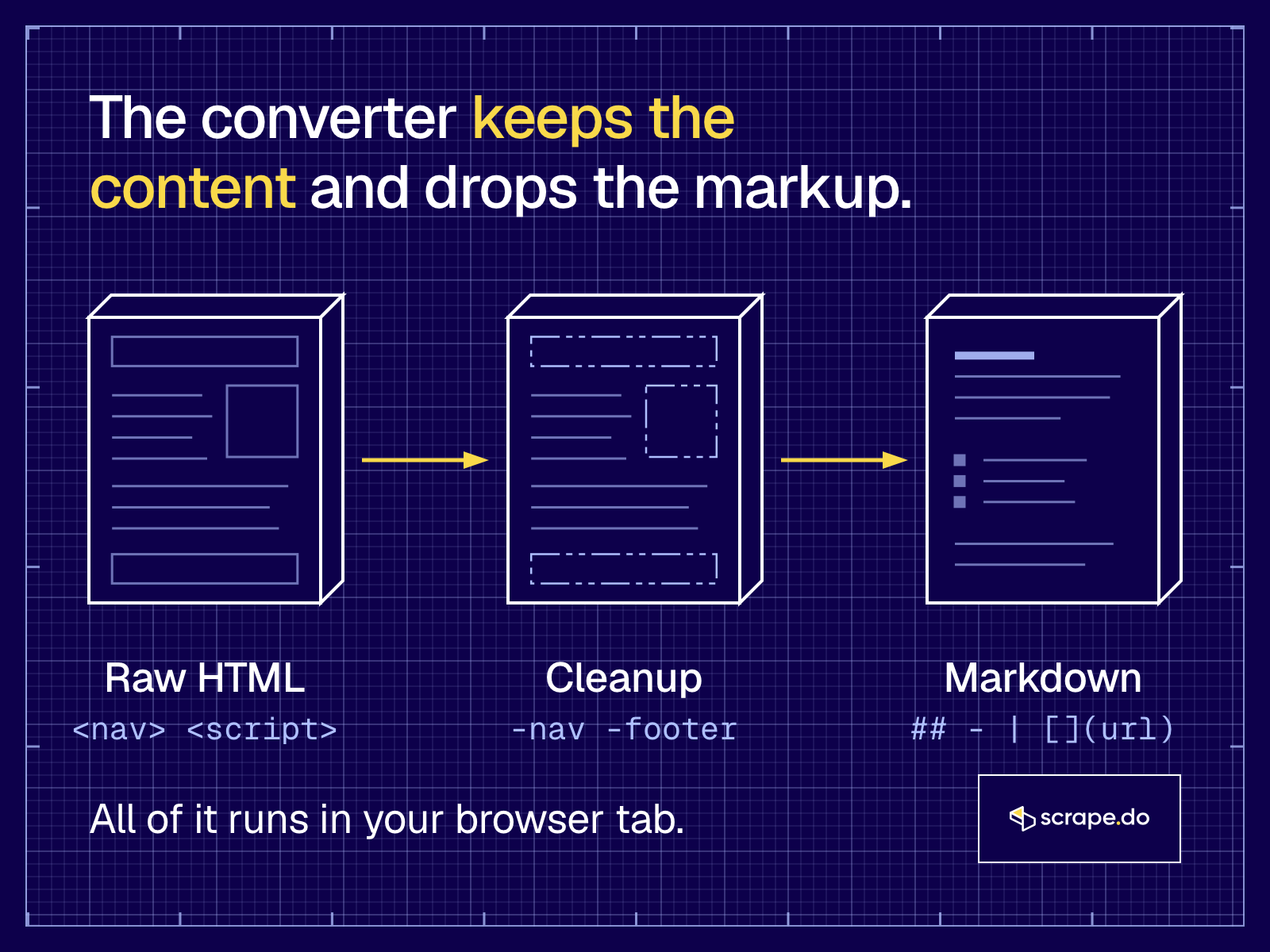
Most of a modern HTML page is not content. It's markup for the browser: scripts, inline styles, SVG icons, cookie banners, menus and footers.
Here's what each option does:
- **Remove scripts and styles** drops `";
console.log(turndown.turndown(html));
```
It prints `## Pricing`, a blank line and `Plans start at **$0**.` The script tag is gone. On real pages, most of the work is the cleanup before turndown runs: finding the main content, removing hidden elements and cookie banners, and fixing relative URLs.
## HTML to text or HTML to Markdown?
**Use plain text when all you need is the words, like a word count or a keyword check. Use Markdown when the structure matters: headings for chunking, tables for data, links for citations. For anything that goes into an LLM, Markdown is the better default, and it costs only a few tokens more than text.**
To get something close to plain text here, turn off Keep links and Keep images. What's left is the text with headings, lists and tables, which still reads cleanly as text.
## Related reading
- [LLM-Ready Data: Comparing the Best Formats for Web-Scraped Data](/blog/llm-ready-data/)
- [What Is llms.txt? How AI Agents and Scrapers Use It](/blog/llms-txt/)
- [Scraping JavaScript-Heavy Pages into LangChain](/blog/scraping-with-langchain/)
- [Web Scraping in CrewAI](/blog/crewai-web-scraping/)
- [HAR File Analyzer](/tools/har-analyzer/), to find the API behind a page instead of parsing its HTML
- [Scrape.do pricing](/pricing/), including the free plan
## FAQ
### Is this HTML to Markdown converter free?
Yes. There is no signup, no daily limit and no watermark. The only cap is 5 MB per file, because the conversion runs in your browser tab and a bigger page would make it slow. For more than that, or for many pages, use the [Scrape.do API](/documentation/api-response/response-output/) with `output=markdown`.
### Is my HTML uploaded to a server?
No. The page parses your HTML with the browser's own DOMParser, cleans it and converts it with turndown, all inside the tab. Nothing is sent anywhere, the parsed page never loads its images or runs its scripts, and closing the tab clears everything.
### Does it convert HTML tables to Markdown tables?
Yes, into GitHub Flavored Markdown pipe tables. If a table has no header row, the first row becomes the header. Merged cells (colspan) are split so every row has the same number of columns, and old layout tables are flattened into plain blocks. Turn off GFM tables to keep tables as HTML instead.
### How do I convert a web page URL to Markdown?
This tool works on HTML you paste or drop. To get Markdown straight from a URL, send it to the Scrape.do API with `output=markdown` and the response body comes back as Markdown, with proxies and anti-bot handling included. The free plan has 1,000 credits a month, and a normal request costs 1 credit.
### Can I convert many HTML files at once?
Not here. The converter takes one page at a time. For a folder of files, run turndown (the library this tool uses) in a loop. For a list of live URLs, send each one to the Scrape.do API with `output=markdown`, or use the [async API](/features/asynchronous-web-scraper/) for big batches.
### Does it work offline?
Yes. Once the page has loaded, the conversion needs no network at all, because nothing leaves the tab. You can turn off Wi-Fi and keep converting.
### How does the token count work?
It is an estimate at about 4 characters per token, which is a common rule of thumb for English text with GPT-style tokenizers. Real counts vary by model and language. Use it to compare the HTML with the Markdown, not to bill anyone.